Explore with confidence
Pan, pinch, compare Julia sets, and move backward or forward without losing a discovery.


Fractal art for iPhone & iPad
Take a photo’s colors into your own fractal palette. Add depth with 3D Look, then export PNG artwork at virtually any size with Pro. Practical limits depend on your device and scene.
Start exploring free. Mandelbrot and Julia sets, the Infinity Engine, all 156 built-in palettes and canvas-size PNG capture are included.
Coming in 3.0.6 · A clearer Pro experience. See what’s changing →
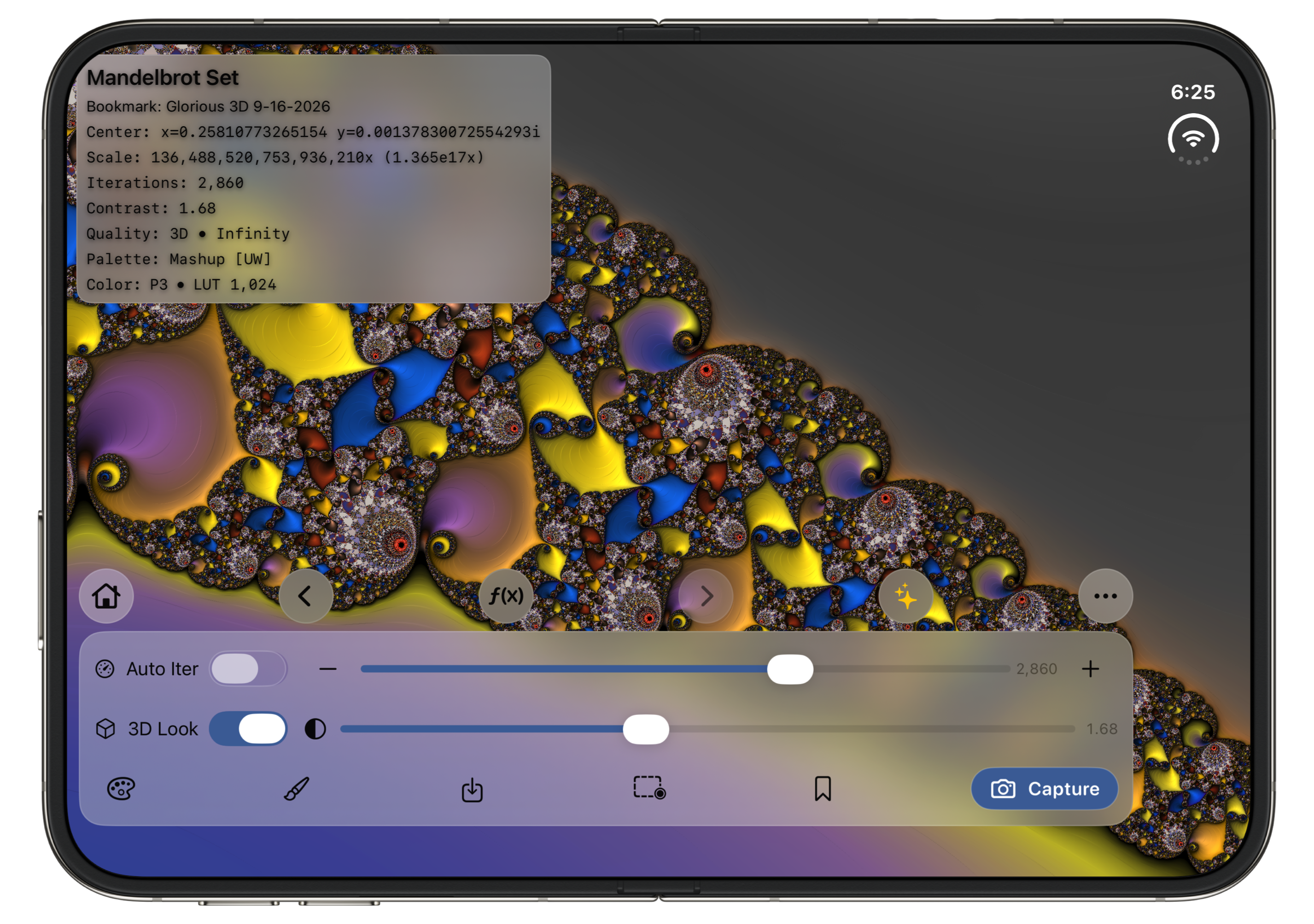
Now supports iPhone Duo’s outer and inner displays, with controls that adapt to each display.
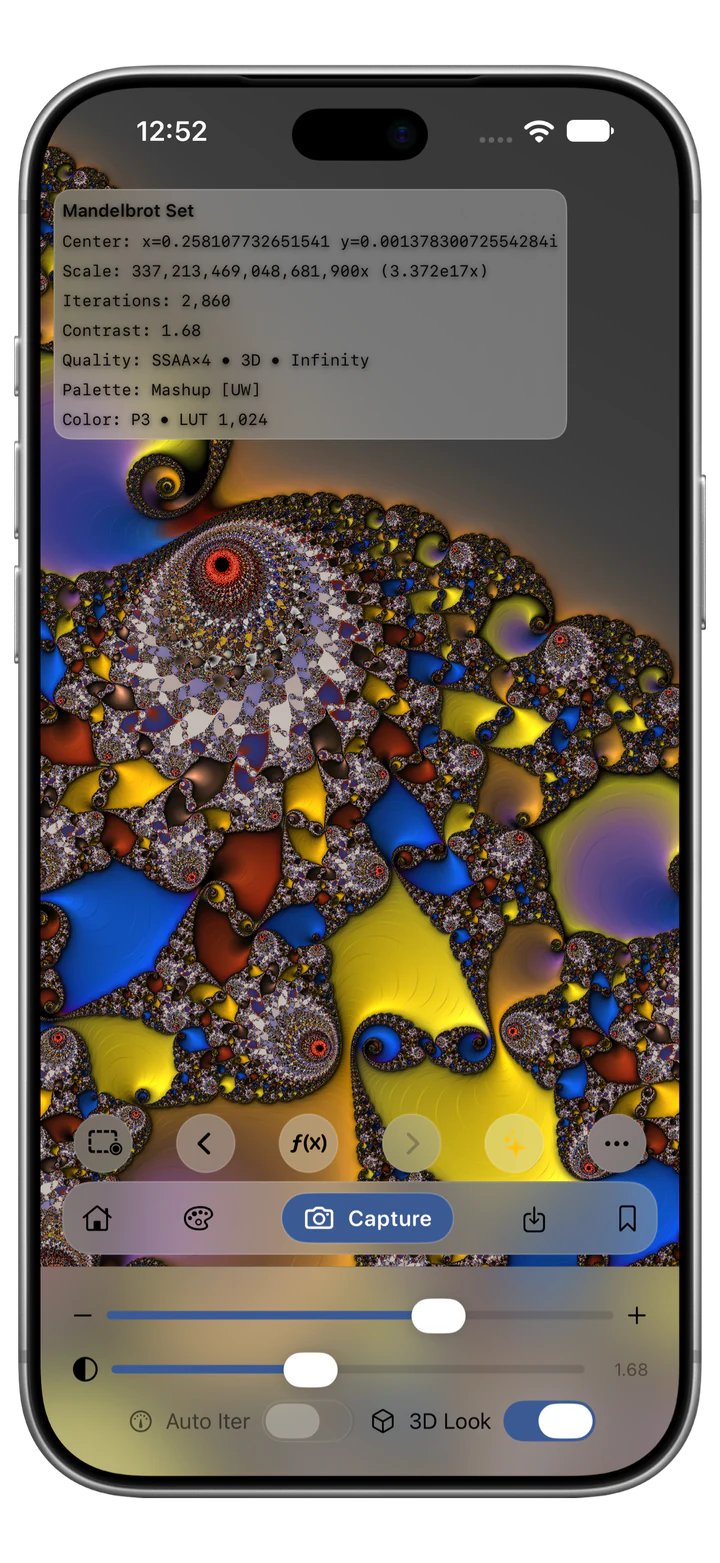
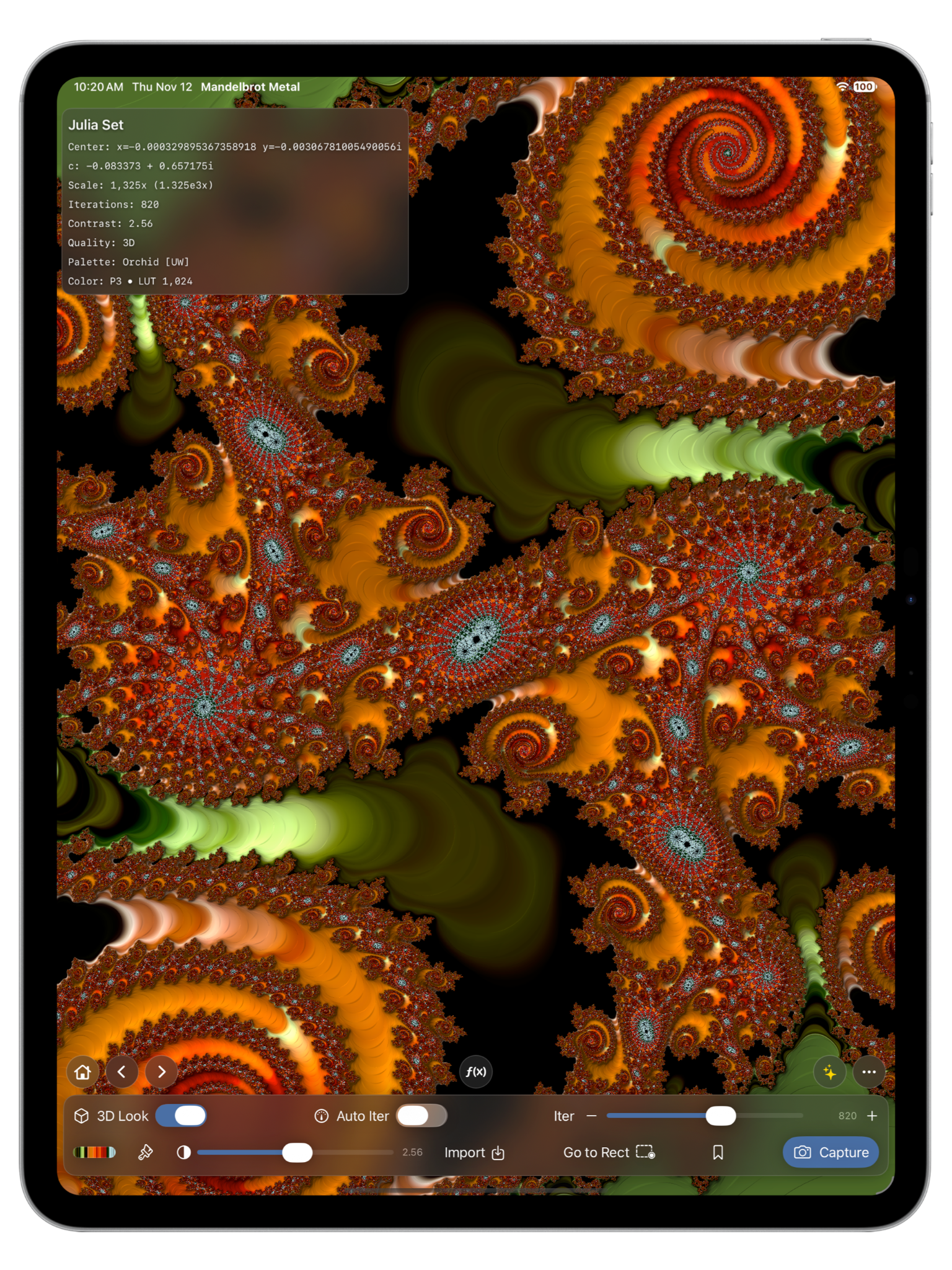
Explore. Color. Capture.Mandelbrot Metal on iPhone and iPad Pro
SCROLL TO EXPLORE
Mandelbrot Metal 3 is available for iPhone, iPhone Duo, and iPad. Explore free with the Infinity Engine and all 156 built-in palettes; choose Pro for expanded creative tools and output. Requires iOS 26.0 or iPadOS 26.0 or later.
Create with Pro · 25 seconds
Choose a photo for its colors, make a personal palette, and give your fractal depth with 3D Look. Then export PNG artwork at virtually any size your device and scene can handle. These creative tools are included with Pro.
Free to explore. Choose a Pro plan inside the app when you want these creative tools.
Silent footage at recorded speed, with pauses removed and a brief hold on the gradient preview. The edit omits the rendering wait and sharing dialog. Photo palettes, 3D Look and high-resolution PNG require Pro. Free and Pro share the same rendering engine, speed and precision.
Source space image: NASA, ESA, CSA, STScI. Image processing: Joseph DePasquale, Anton Koekemoer and Alyssa Pagan (STScI). View the original Webb image.
NEW IN VERSION 3.0.4
Version 3.0.4 supports iPhone Duo’s outer and inner displays. Compact controls fit the outer display; a spacious dock makes room for exploration on the larger inner display. iPhone Duo and iPad support portrait and landscape. Standard iPhones remain portrait-only.
Read the 3.0.4 release notes →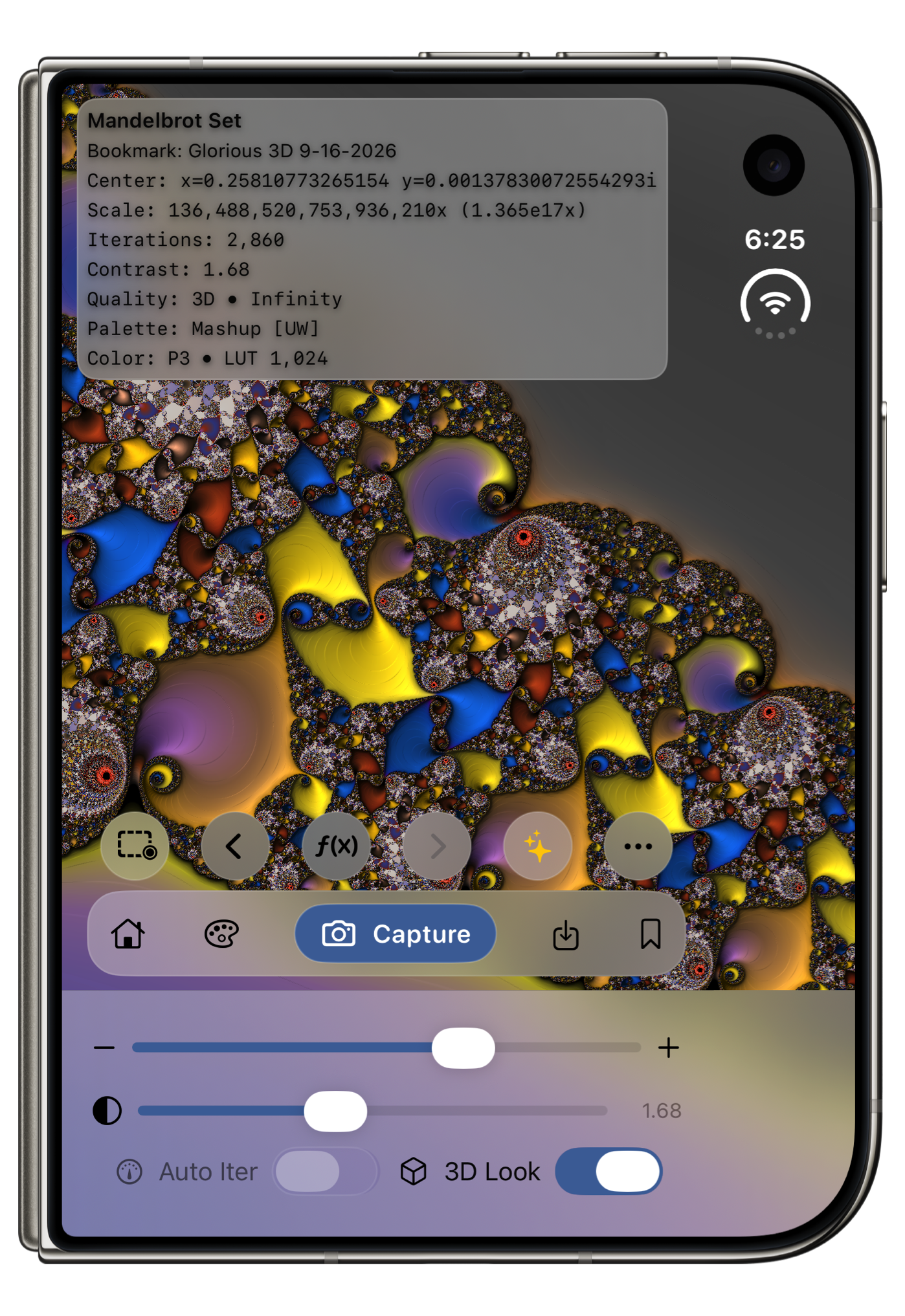
Real explorations, captured in the app. Find your composition, choose your colors, and make something only you would discover.
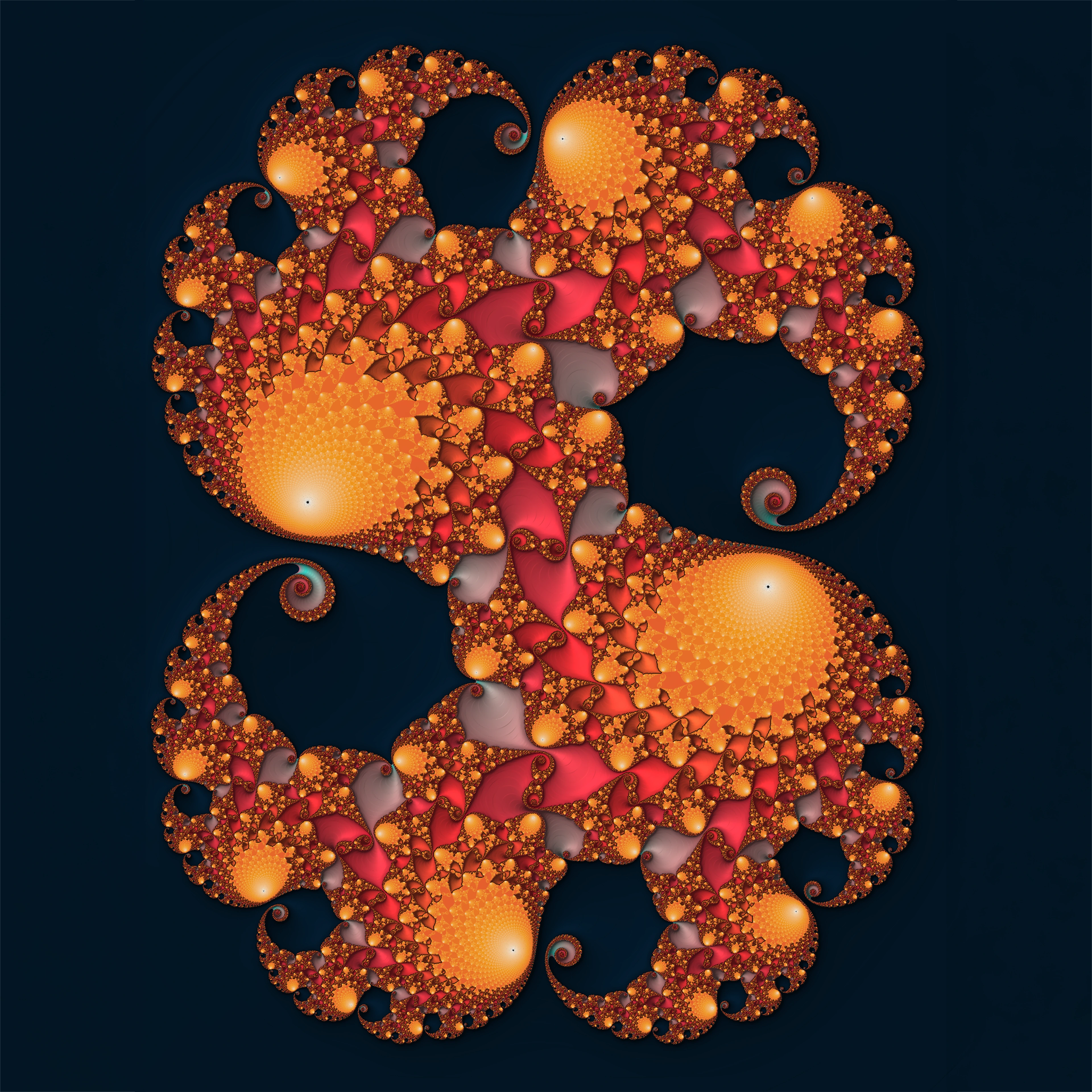
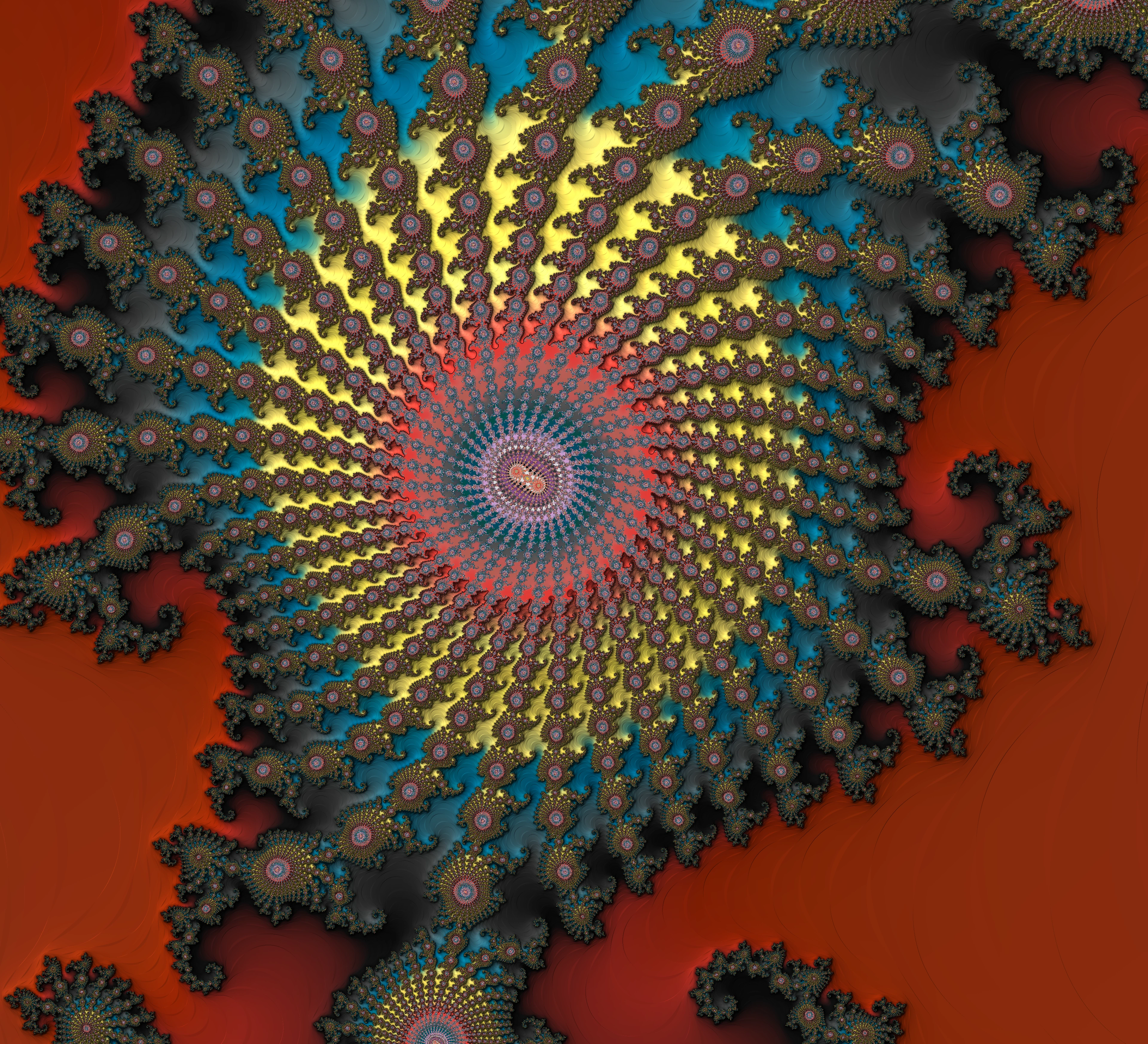
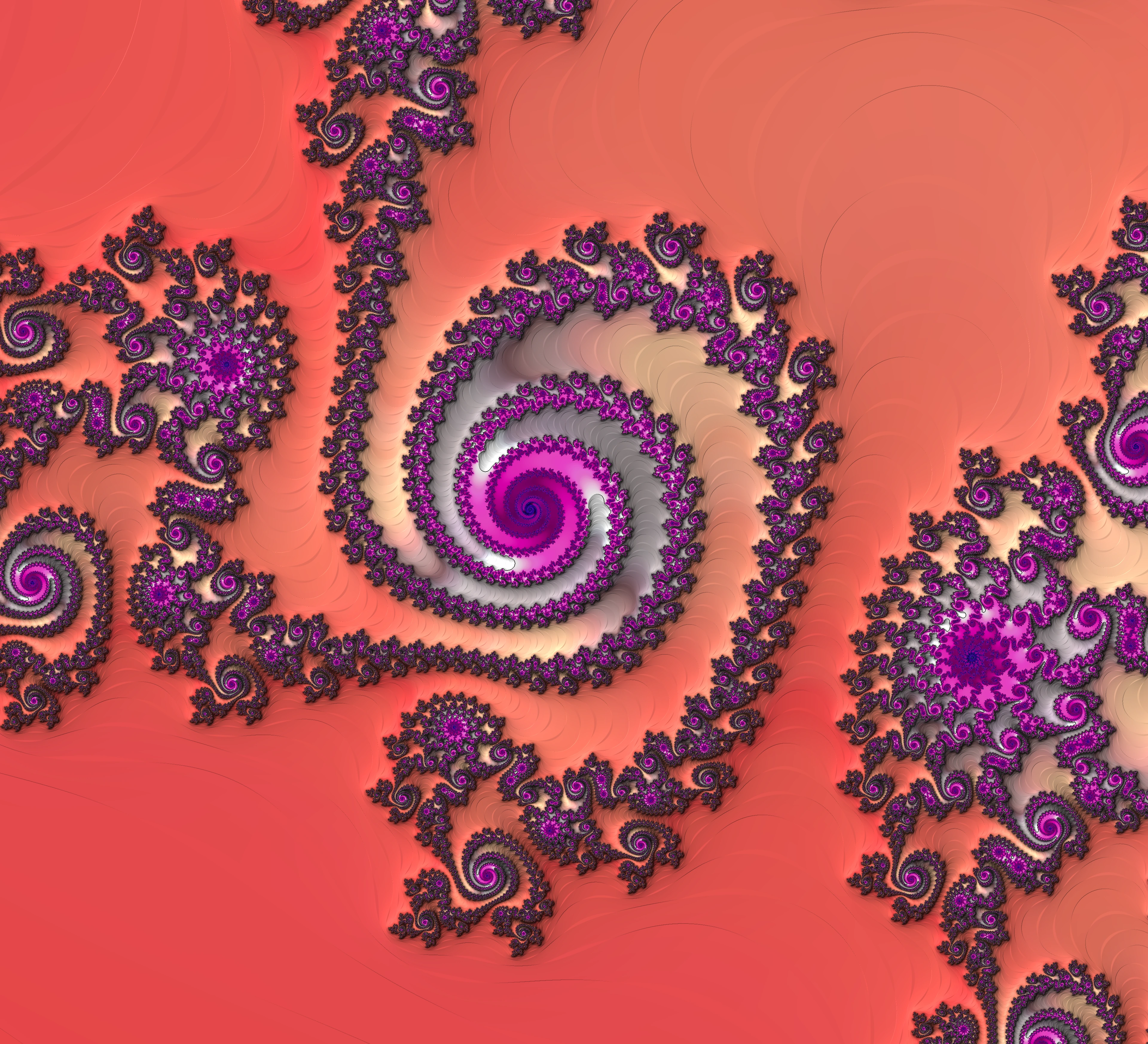
02 / THE EXPERIENCE
Follow a spiral. Jump into its Julia set. Try a different palette, then step back and compare. You choose the direction; the app handles the mathematics.
Pan, pinch, compare Julia sets, and move backward or forward without losing a discovery.
Switch among 156 built-in palettes to change the mood of a scene. All 156 are included in Free.
Version 3’s new Infinity Engine dramatically improves rendering performance and takes Mandelbrot exploration deeper, through a validated 10²⁵× zoom range.
Version 3 comes with 56 curated Mandelbrot and Julia starter bookmarks, ready to explore from your first launch. Save your own discoveries as bookmarks, or capture a PNG to share. Version 3 Pro adds custom-size PNG output at virtually any size your device and scene can handle.
SEE IT IN ACTION
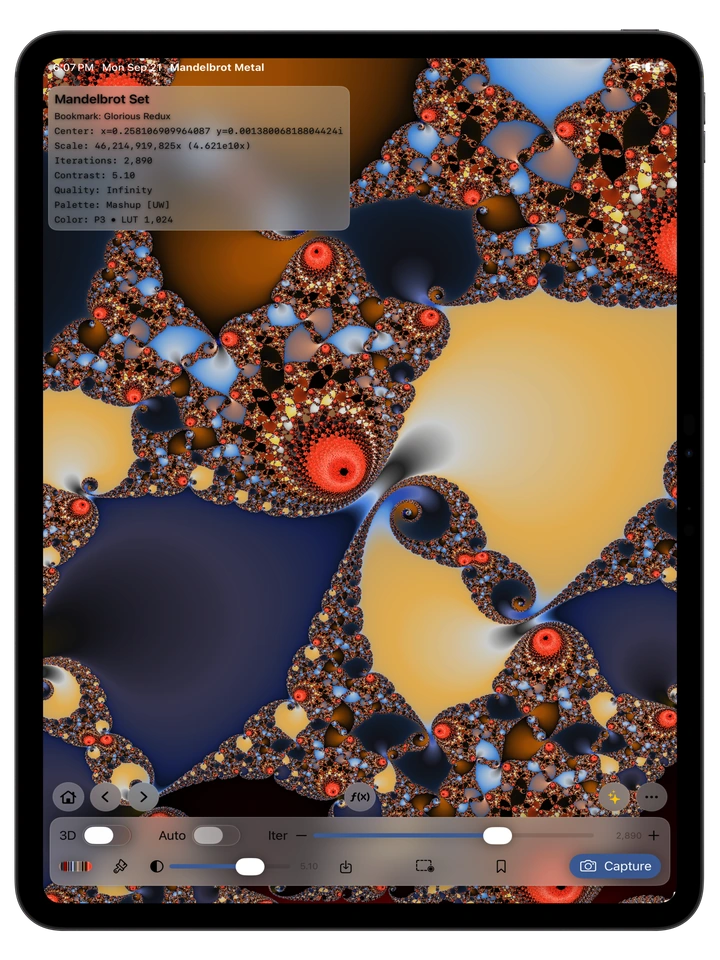
Open a saved scene, explore its Julia set, choose your colors, and refine the result. This 42-second demonstration shows actual app interactions on iPad, including 3D Look with Pro.
Silent, captioned excerpts play at their recorded speed, with pauses removed. The final still shows the Capture panel: canvas PNG capture is included in Free; 4K, 6K, 8K, and custom-size output are Pro features.
03 / THE INFINITY ENGINE
The new Infinity Engine delivers dramatically improved Mandelbrot rendering performance and deeper zooms. Version 3 extends the validated zoom range from 10¹⁶× to 10²⁵×: a billion-fold increase in magnification.
Apple’s Metal GPU handles the heavy pixel calculations, making deep exploration faster. Adaptive precision brings finer structures into view as you zoom. Useful detail and render time depend on the scene, settings, and device.
See how the Infinity Engine works04 / VERSION 3 · FREE + PRO
The Infinity Engine’s performance gains and deeper zooms are included in Free, along with all 156 built-in palettes. Pro expands the creative workflow around the canvas.
Every Pro plan unlocks the same creative tools. Choose a subscription or a one-time purchase.
U.S. reference prices. Your App Store upgrade screen shows the current price for your region before purchase. Monthly and Annual renew automatically until canceled; Lifetime is a one-time purchase.
Upgrade in the app: tap the Pro sparkles button beside More on iPhone, or choose Upgrade to Pro on iPad. More (…) → Mandelbrot Metal Pro also opens the screen. Pro owners see Pro Account. Read the purchase and restoration FAQ →
Coming in 3.0.6: a clearer Pro screen and an easier return to creating →
Already own Mandelbrot Metal? Eligible pre-Version 3 owners receive permanent Legacy Pro access at no additional charge. Open the Pro screen and choose Restore if your access does not appear.
START EXPLORING
Start exploring free with Version 3. Choose Pro when you want more creative tools and higher-resolution output.
Your current exploration view is the close-up. Explore to the view you want first, then open More (…) → Fly-In / Fly-Out. Full zoom range connects overview scale with that view at the same center. Fly In finishes at your close-up; Fly Out starts there. Numbered ranges cover shorter moves.