Iterations + sampling
Let Auto Iterations follow your zoom or set the budget yourself, with selectable caps up to 75,000. The renderer manages sampling automatically.


Version 3 features
Version 3’s new Infinity Engine brings dramatically improved performance and deeper Mandelbrot zooms, through a validated 10²⁵×. Explore, color, and capture on iPhone, iPhone Duo, and iPad, with all 156 built-in palettes included in Free.
NEW IN VERSION 3.0.4
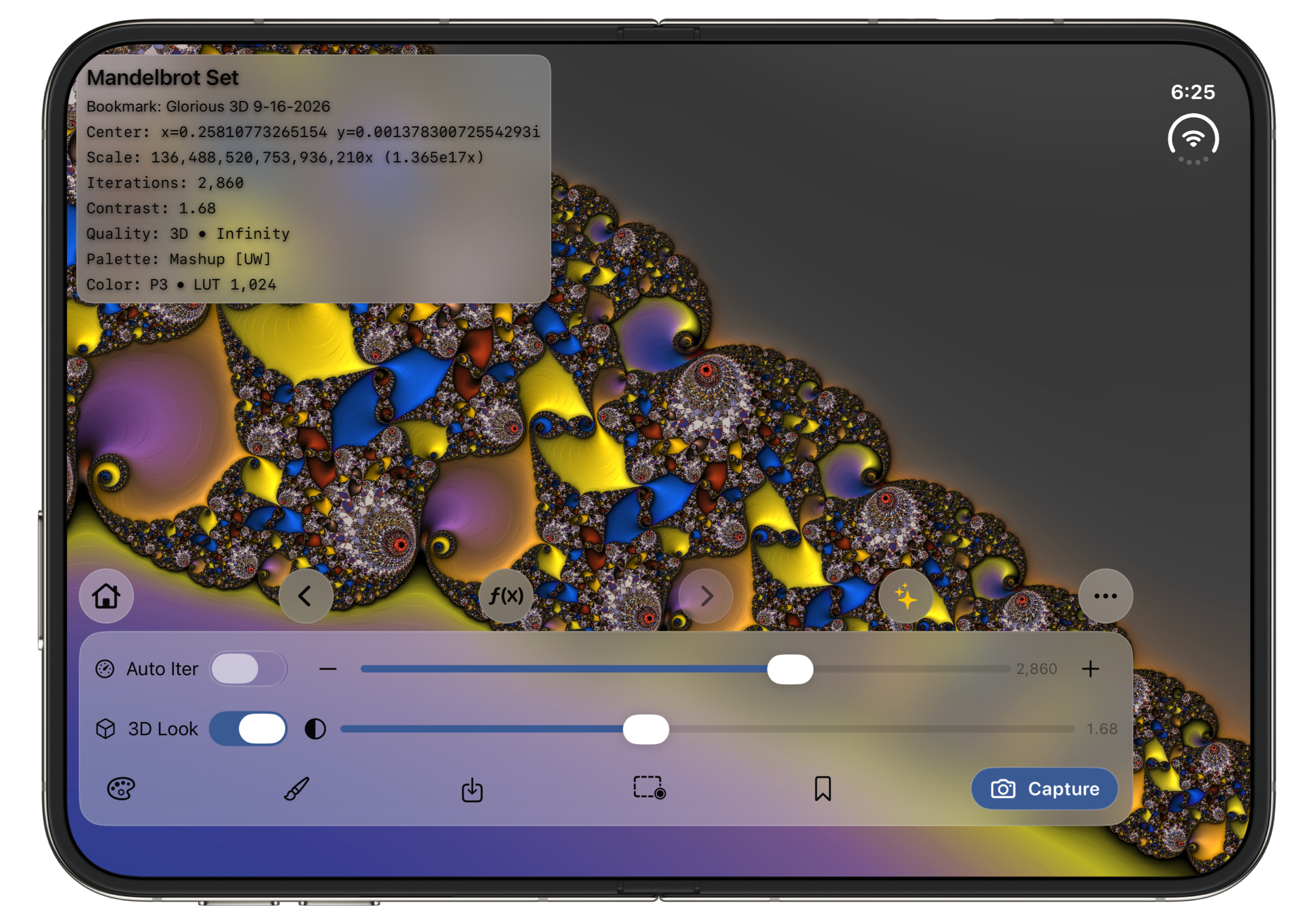
Version 3.0.4 supports iPhone Duo’s outer and inner displays. Compact controls fit the outer display; a spacious dock makes room for exploration on the larger inner display. iPhone Duo and iPad support portrait and landscape. Standard iPhones remain portrait-only.
Read the 3.0.4 release notes →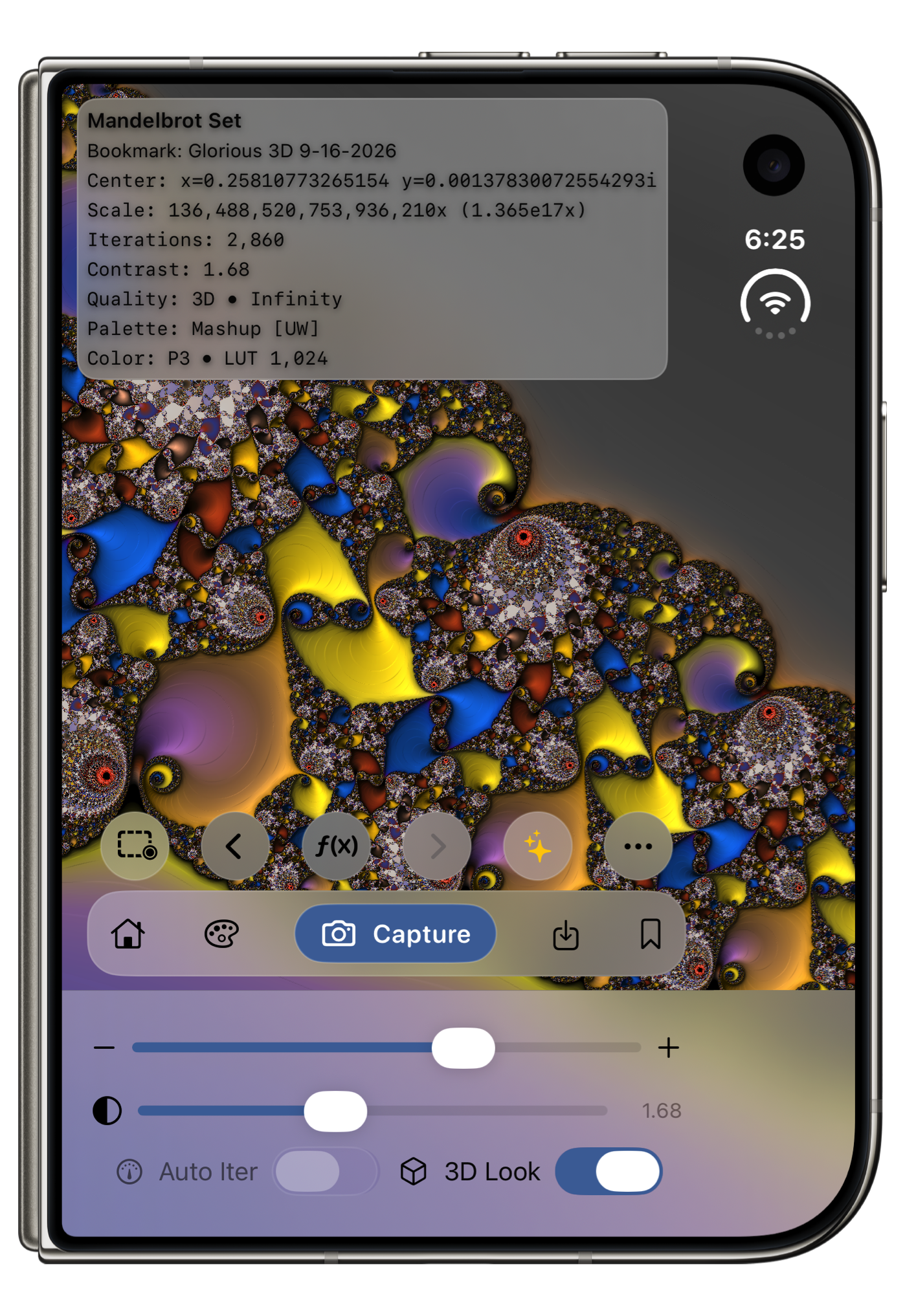
01 / MANDELBROT + JULIA
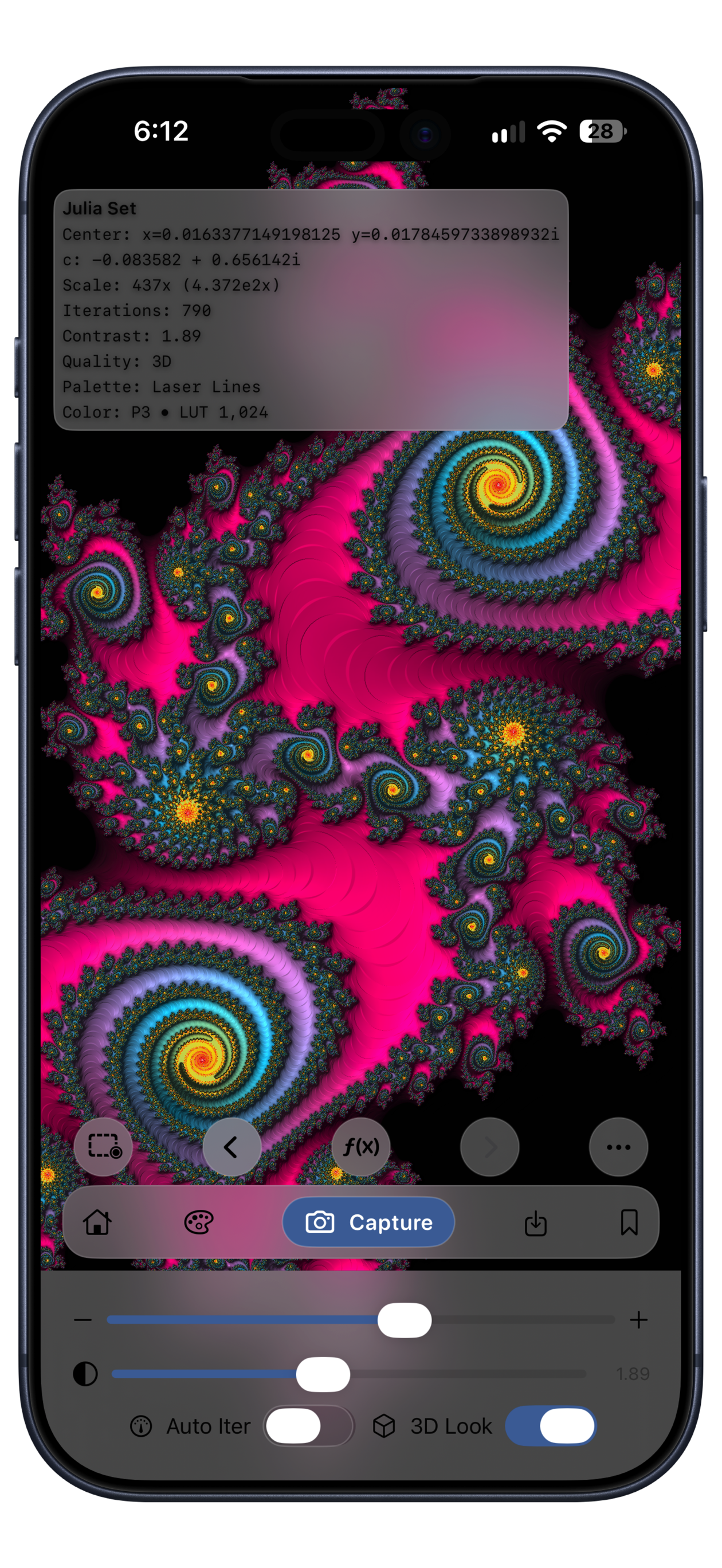
Follow a spiral through the Mandelbrot set, then tap a point to open the Julia set defined by that exact location. Explore branching forms, islands, and intricate lace. Tap again to return to the Mandelbrot view you left.
Both modes share the same palette, contrast, capture, and bookmark tools, so you can keep creating as you switch between them.
Pinch + panZoom with two fingers and drag to explore. The canvas follows your movement.
Double-tapCenter an interesting point and zoom in by 2×.
Go to RectEnter precise bounds to revisit a known region with its framing preserved.
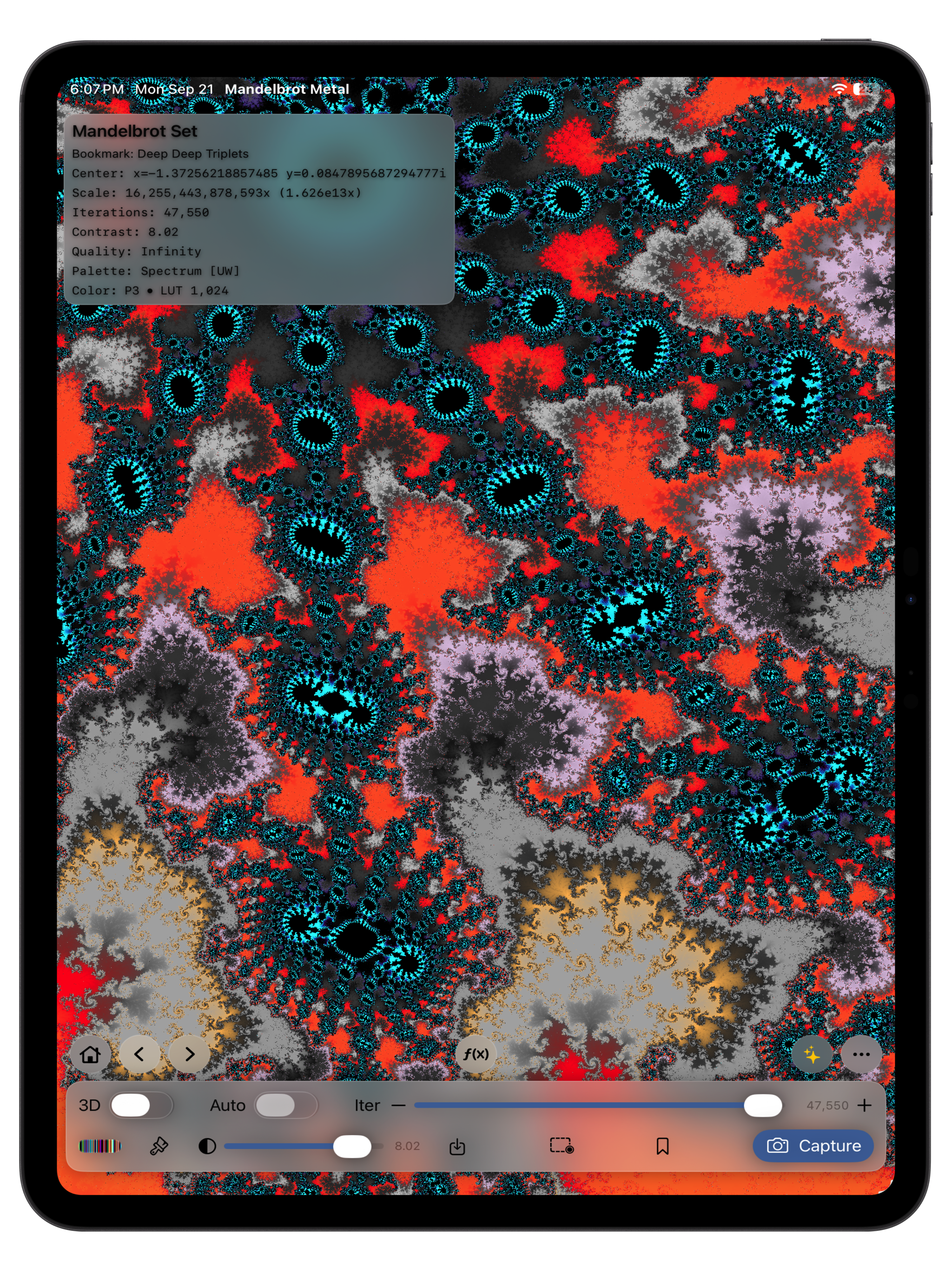
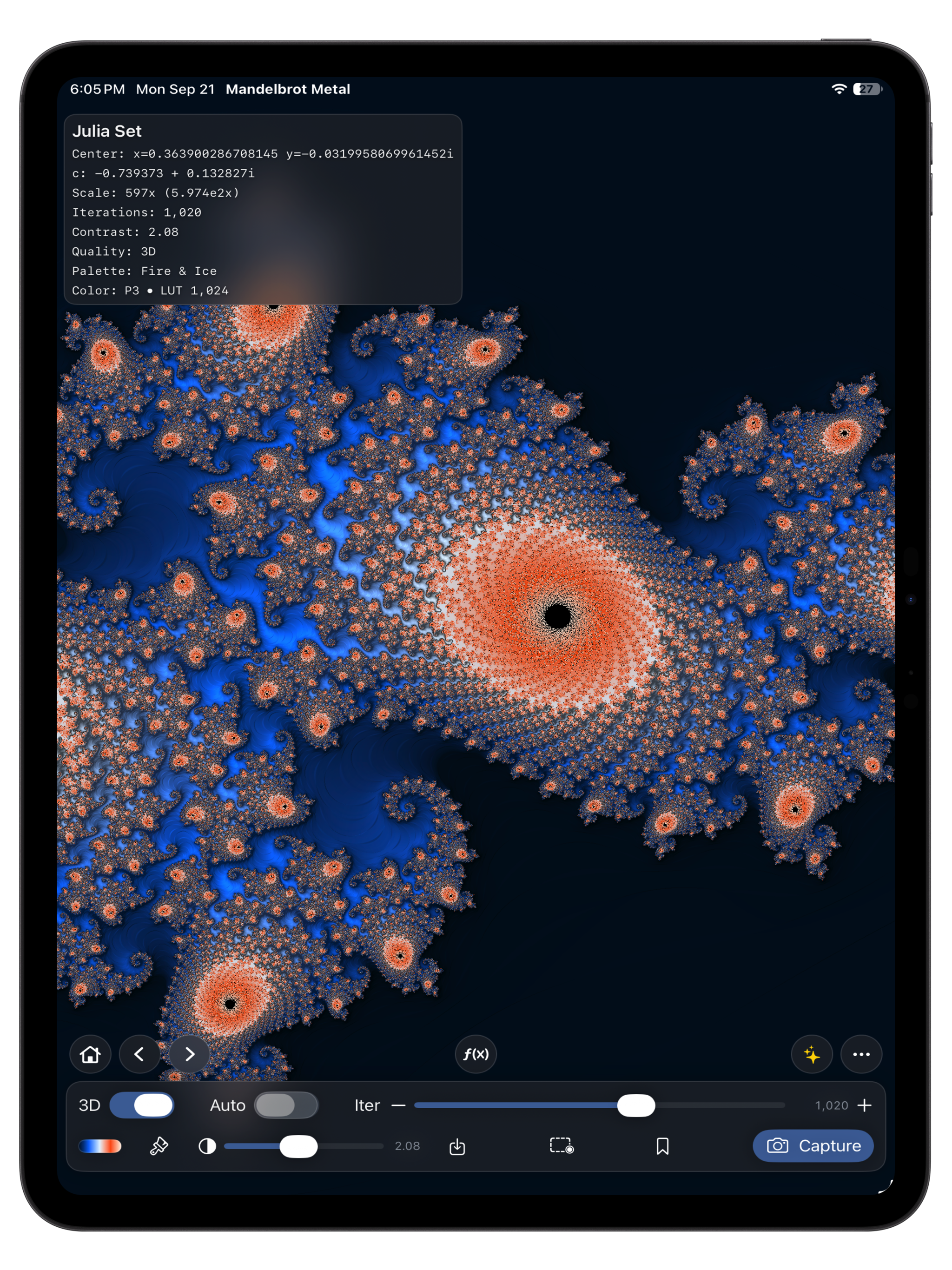
Actual iPhone and iPad app screenshots with device bezels, refreshed on September 24, 2026. Select a screenshot to enlarge it.
02 / THE INFINITY ENGINE · INCLUDED IN FREE
Dramatically improved performance. Deeper Mandelbrot zooms. The new Infinity Engine moves the heavy pixel calculations to the Metal GPU, making deep exploration faster. Version 3 also extends the validated zoom range from 10¹⁶× to 10²⁵×: a billion-fold increase in magnification.
The 10²⁵× range applies to Mandelbrot exploration; Julia uses its direct renderer. Useful detail and render time depend on the scene, iterations, sampling, and device. Precision is finite, with recovery and an established fallback renderer when needed.
Inside the Infinity Engine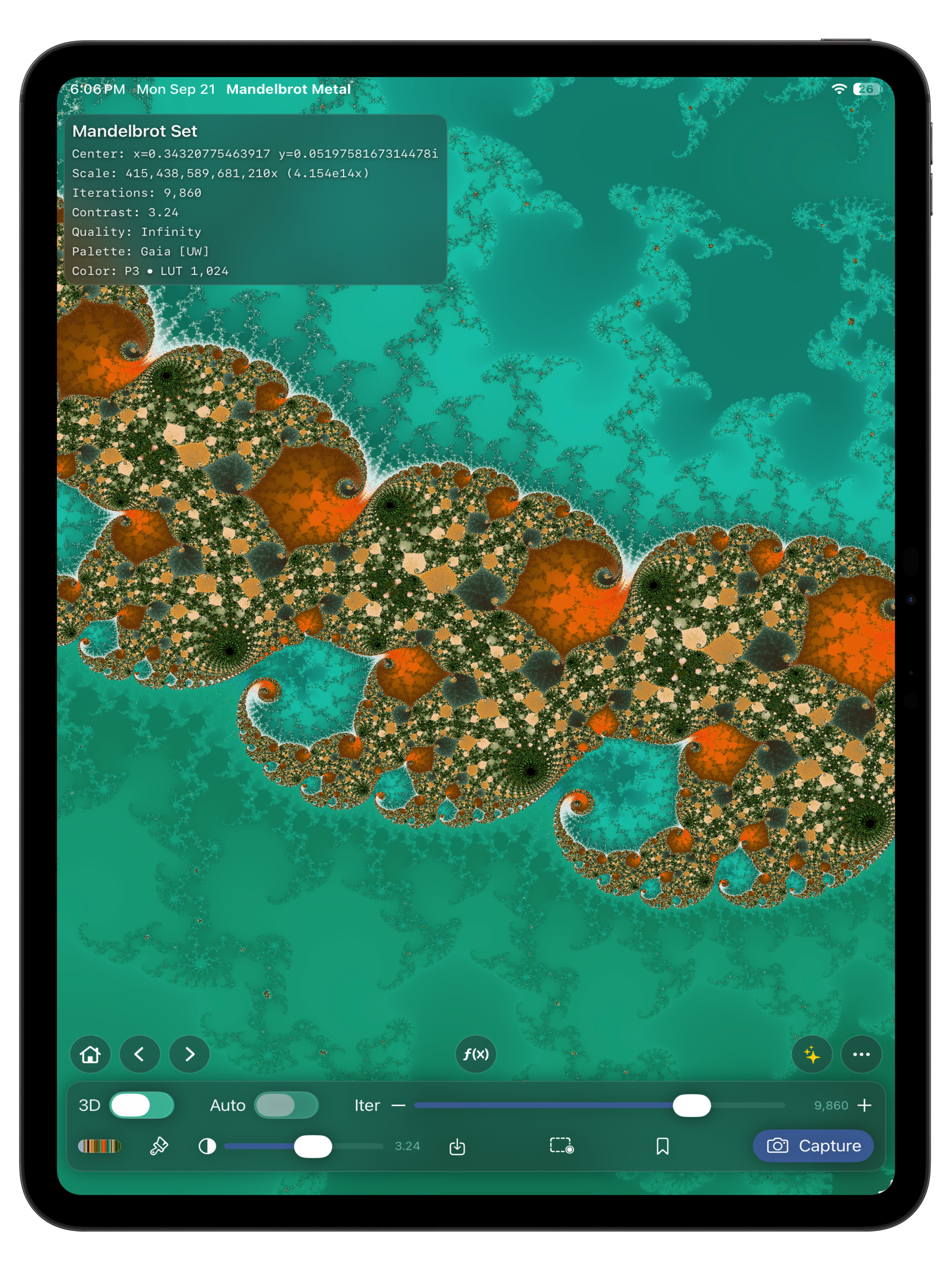
10²⁵×Validated Mandelbrot ceiling
MetalGPU-parallel pixel rendering
03 / PALETTES + CREATIVE COLOR
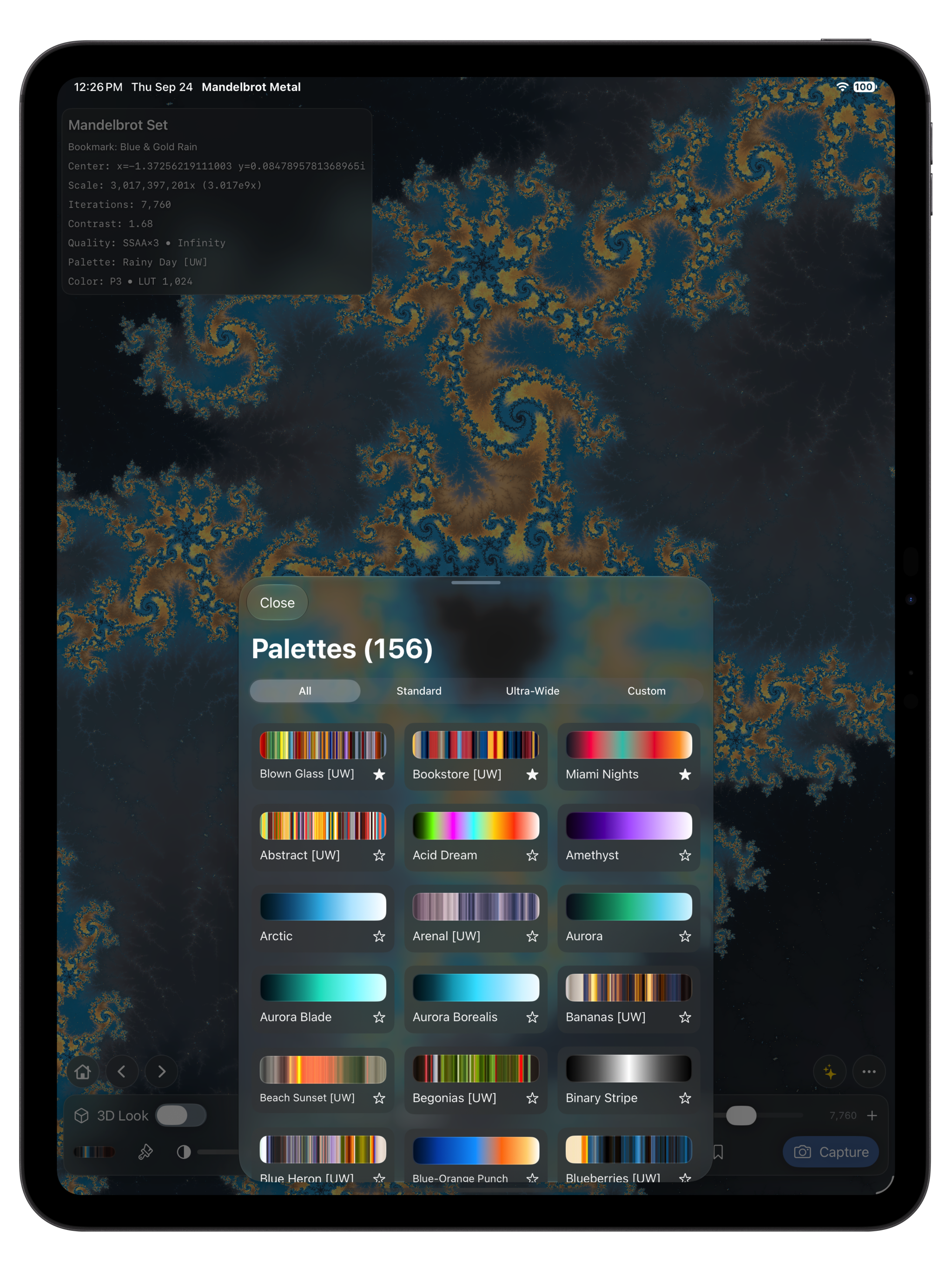
A palette can turn the same structure from soft and atmospheric to vivid and graphic. Version 3 Free includes all 156 built-in palettes, including 55 Ultra-Wide sets with 768 steps for long, smooth color transitions.
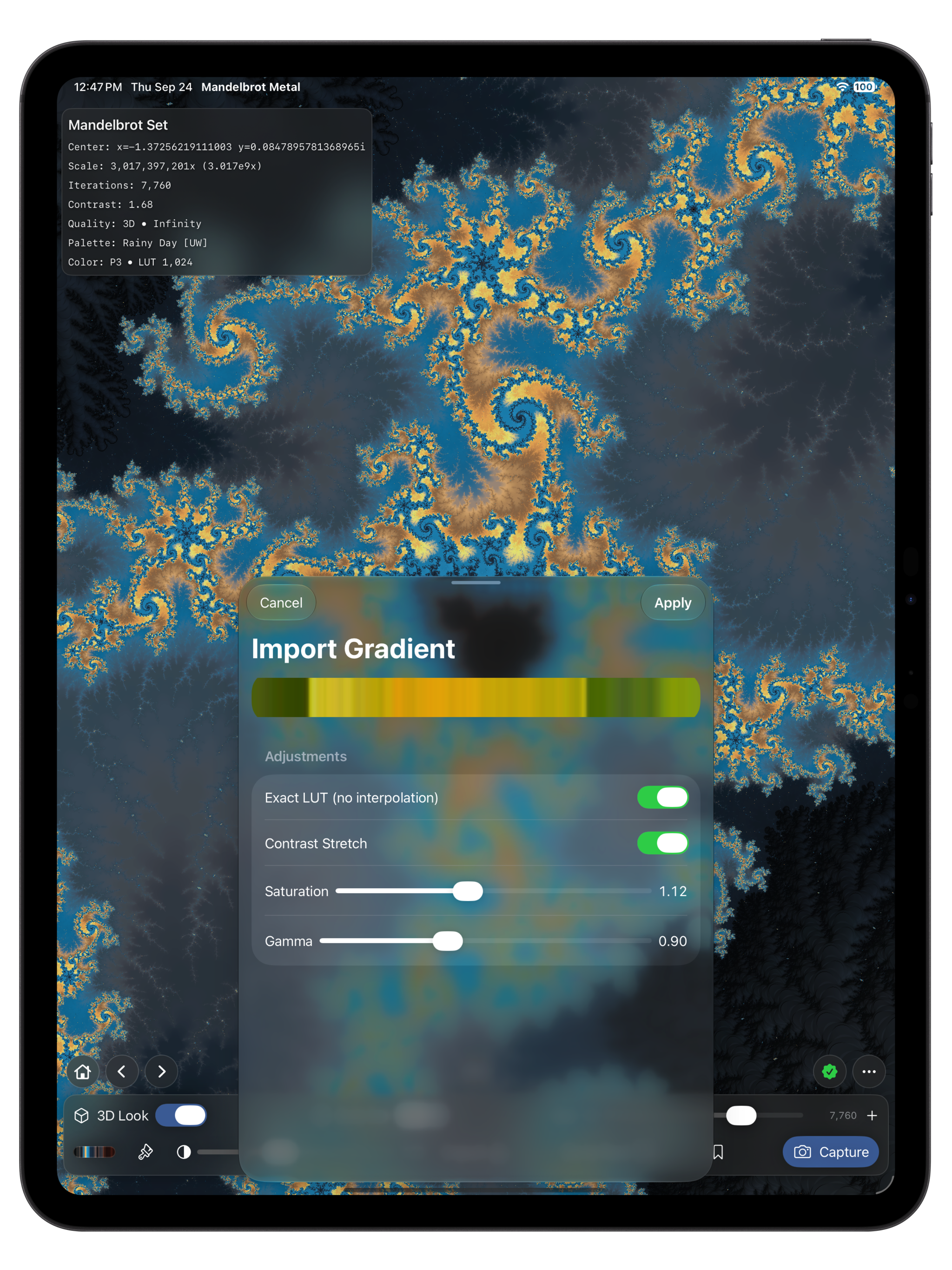
Bring the colors of a sunset, a landscape, or your own photograph into a fractal. Import a photo, refine its automatically sampled center slice, and save the gradient as a reusable custom palette with Pro.
04 / 3D LOOK · PRO
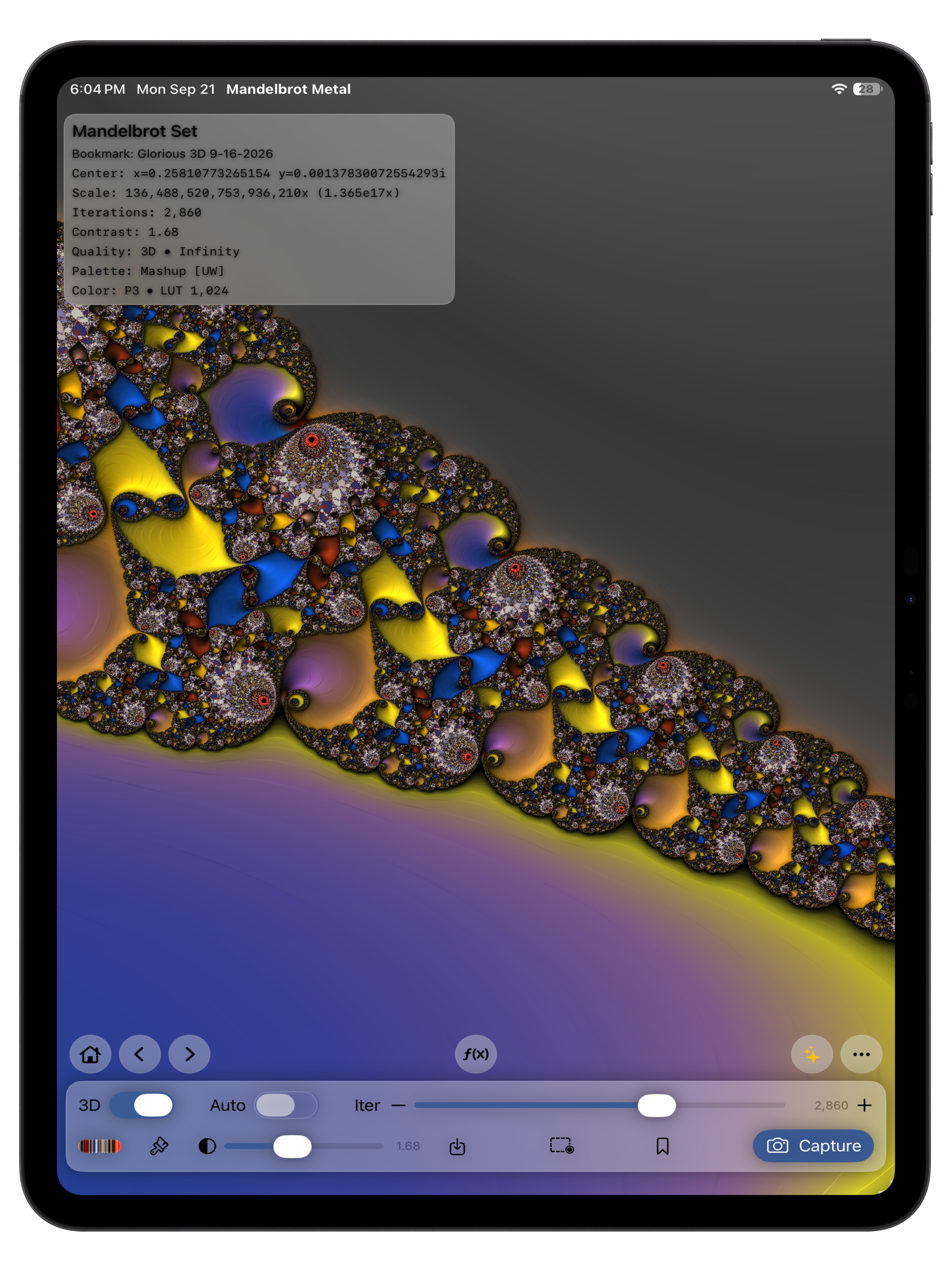
3D Look adds surface lighting that reveals ridges, bulbs, and spirals. The underlying fractal stays the same; highlights and shadows give its structure a sculpted appearance.
Try a metallic palette for relief-like detail, or a vivid gradient for a more expressive result. Supersampling can smooth delicate edges and highlights before you capture the final image.
05 / EXPLORATION HISTORY + BOOKMARKS
Back and Forward let you revisit up to 50 completed exploration states in the current session. A saved state restores the view, fractal mode, Julia constant, iterations, palette, contrast, and 3D Look.
History records completed navigation and creative-control changes, including palette selection and settled contrast or iteration adjustments. Starting a new direction after going Back replaces the old Forward path.
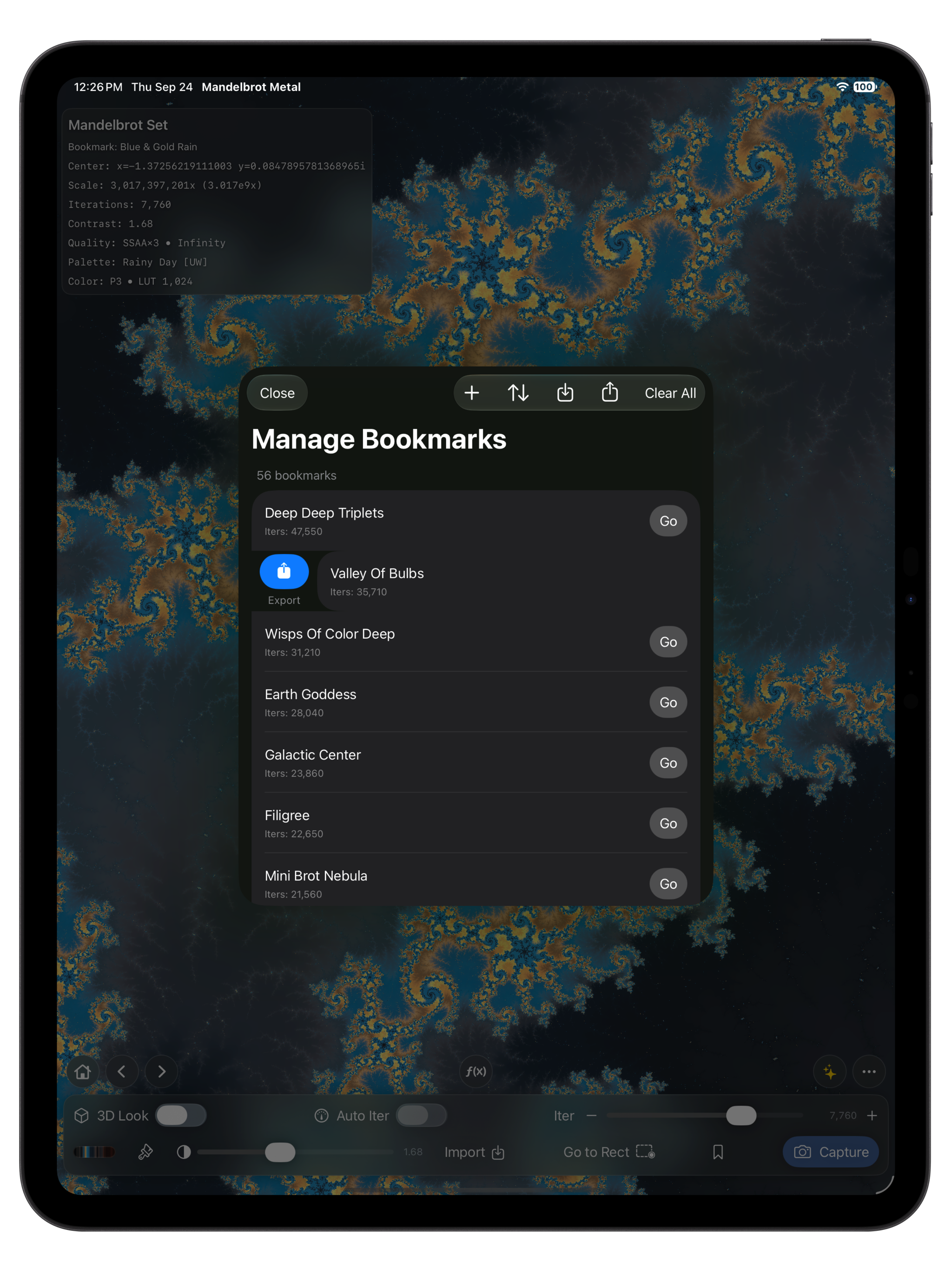
Version 3 comes with 56 curated Mandelbrot and Julia starter bookmarks, ready to explore from your first launch. Free includes five personal bookmarks in addition to the starter collection; Pro removes the personal bookmark limit. The starter collection is added once on new installs and upgrades. Your existing bookmarks are kept, matching bookmarks are not duplicated, and starters you delete stay deleted. Name a scene, sort your collection, and return to its saved settings.
06 / CAPTURE + HIGH-RESOLUTION EXPORT
Frame the scene, choose its color and lighting, then capture a clean PNG. Canvas-size capture is included in Version 3 Free. Pro adds 4K, 6K, 8K, and custom dimensions for prints, presentations, design projects, and further editing.
For a detailed still, compose the view and choose a capture size. Every capture renders a separate complete PNG; larger exports take more time and memory. Choose sRGB or Display-P3 to suit your destination workflow. PNG exports are SDR.
Read the capture guide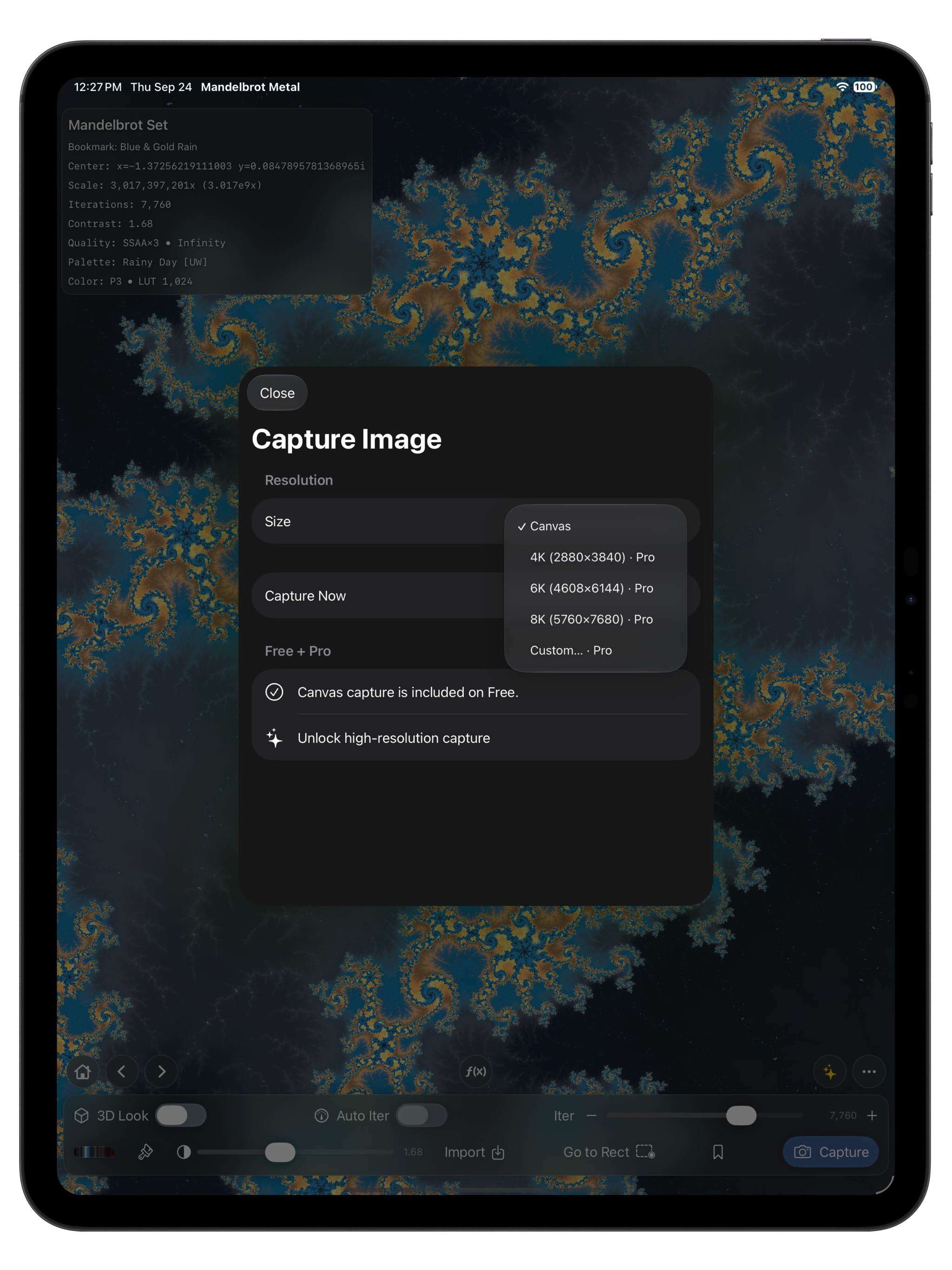
MORE CONTROL, WHEN YOU WANT IT
Let Auto Iterations follow your zoom or set the budget yourself, with selectable caps up to 75,000. The renderer manages sampling automatically.
See the mode, coordinates, magnification, iterations, palette, color settings, and render path. A loaded bookmark’s name helps you stay oriented.
Version 3.0.4 adds support for iPhone Duo’s outer and inner displays, with portrait and landscape layouts. Version 3.0.3 restored the compact iPhone toolbar and its Light/Dark appearance, adds a direct Pro button beside More, and makes More options scrollable on iPhone and iPad. Landscape support remains limited to iPad and iPhone Duo; standard iPhones remain portrait-only. Controls adapt to the window size and text size. The app supports 16 interface languages and on-device exploration, palettes, bookmarks, and capture. The core creative workflow works offline.
VERSION 3 / FREE + PRO
Free and Pro share the Infinity Engine’s dramatically improved performance, deeper Mandelbrot zooms, and on-canvas quality. Pro expands your color tools, saved library, and final output.
| Feature | Free | Pro |
|---|---|---|
| Mandelbrot + Julia exploration | Included | Included |
| Full rendering engine + Infinity Engine | Included | Included |
| All 156 built-in palettes | Included | Included |
| Back + Forward exploration history | Included | Included |
| Personal bookmarks | Up to 5, plus the starter collection | Unlimited |
| Canvas-size PNG capture | Included | Included |
| Photo, imported + custom palettes | Not included | Included |
| 3D Look | Not included | Included |
| 4K, 6K, 8K + custom-size PNG export | Not included | Included |
Every Pro plan unlocks the same creative tools. Choose a subscription or a one-time purchase.
U.S. reference prices. Your App Store upgrade screen shows the current price for your region before purchase. Monthly and Annual renew automatically until canceled; Lifetime is a one-time purchase.
On iPhone, tap the Pro button beside More: yellow sparkles open Upgrade to Pro; a green checkmark opens Pro Account when Pro is active. You can also open More (…) → Mandelbrot Metal Pro. On iPad, choose Upgrade to Pro or Pro Account. Read the purchase and restoration FAQ →
Eligible owners from before Version 3 receive permanent Legacy Pro access at no additional charge.
YOUR NEXT VIEW
Explore with the Infinity Engine for free. Add Pro for custom palettes, 3D Look, unlimited bookmarks, and high-resolution PNG output.