

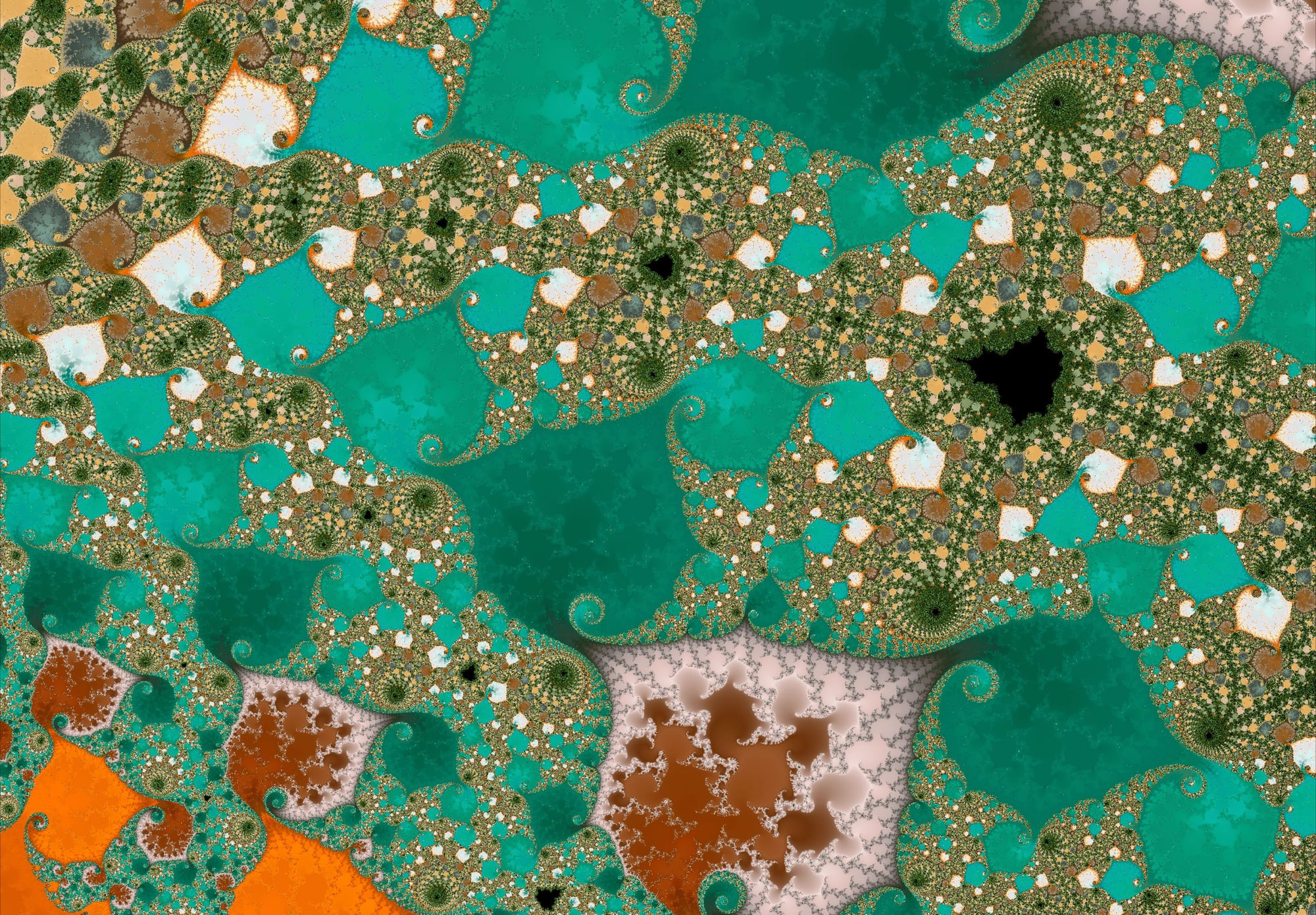
One of the most freeing realizations when exploring fractals is this: There is no single “correct” amount of detail.
Some of the most compelling Mandelbrot images appear before extreme zooms, before maximum iterations, and sometimes before everything looks perfectly resolved. Mandelbrot Metal is designed to support that kind of intentional exploration — part precision instrument, part creative studio.
This post walks through a practical, repeatable workflow for using Mandelbrot Metal effectively: how to explore with purpose, tune color and contrast, understand iterations and iteration caps, preserve great moments with bookmarks, and share your work with confidence.
1. Start With Structure, Not Color
When you begin exploring, resist the urge to immediately chase dramatic color.
Instead, focus on:
- Boundary regions where interior meets exterior
- Filaments, bulbs, and repeating structure
- How texture changes as you zoom
At this stage, almost any clean palette will do. You’re scouting for structure, not finishing an image.
Tip
If a region already feels balanced and interesting at low zoom, it’s probably worth exploring further.
2. Use the Contrast Slider to Tune a Palette
The palette is already there — contrast is how you tune it.
Once you’ve found a promising region, the contrast slider becomes one of your most powerful tools.
Contrast does not change the palette itself. It remaps how palette colors are distributed across the escape values — effectively letting you “tune” the palette to the structure underneath.
Think of contrast as focusing a lens.
- Lower contrast
- Smoother gradients
- Softer transitions
- More painterly, atmospheric results
- Higher contrast
- Sharper banding
- Strong separation
- Hidden filaments and structure pop out
A highly effective workflow:
- Switch palettes freely
- Re-tune contrast after each switch
- Let the image settle before judging the result
3. Iterations: How Much Is Enough?
Iterations reveal structure — they don’t invent it.
Iterations determine how much detail the renderer actively computes. They can be set manually with the iteration slider or managed automatically in Auto mode.
More iterations do not automatically make an image better. They simply reveal finer detail if it exists.
Increase iterations when:
- Edges look fuzzy or unstable
- Fine structure disappears as you zoom
- Detail collapses during refinement
Don’t increase iterations when:
- The image already looks clean and intentional
- Additional detail only adds noise
- A softer, more abstract look feels stronger
An important creative truth:
Sometimes fewer iterations look better.
Lower iteration counts can emphasize large-scale form, preserve smooth color transitions, and produce images that feel more expressive and intentional.
4. Iterations vs. Iteration Cap — Two Different Controls
The iteration cap sets the ceiling. The iteration slider decides how close you get to it.
Mandelbrot Metal deliberately separates iteration usage from the iteration cap. Understanding the difference gives you far more control — without forcing excess detail.
Iterations (Active Detail)
This is the iteration budget currently used by the renderer:
- Controlled by the iteration slider, or
- Automatically managed in Auto iteration mode
This setting answers the question: “How much detail am I using right now?”
Most exploration happens by adjusting this value.
Iteration Cap (The Upper Limit)
The iteration cap enables possibility — it doesn’t guarantee improvement.
The iteration cap defines the maximum value the iteration slider or Auto mode can reach.
Available cap settings:
- 5,000 — fast, responsive, ideal for broad exploration
- 15,000 (default) — balanced, suitable for most deep work
- 50,000 — extreme detail when structure truly demands it
The cap does not force higher iterations. It simply allows them.
When to Increase the Iteration Cap
Increase the cap only when:
- You’ve already raised iterations and hit the ceiling
- Structure is still unresolved
- You’re deep enough that additional detail genuinely exists
If raising the cap doesn’t reveal new structure, it’s unnecessary.
When Not to Increase It
- Early exploration
- When lower-detail images look better
- When contrast or palette tuning already reveals what you want
Very often, adjusting contrast produces better results than increasing either iterations or the cap.
5. Refine Deliberately
A smooth, frustration-free workflow looks like this:
- Navigate quickly to explore
- Pause to let refinement settle
- Adjust palette and contrast
- Increase iterations only if needed
- Increase the iteration cap only if you’ve truly hit the limit
Mandelbrot Metal is built to support this rhythm — fast when you want it, precise when you need it.
6. Use Bookmarks as Creative Checkpoints
A good bookmark is a time machine back to a perfect state.
Bookmarks in Mandelbrot Metal capture the entire state of your exploration:
- Position and zoom
- Iterations and iteration cap
- Palette and contrast
They’re not just locations — they’re moments.
Good habits:
- Save early “interesting” discoveries
- Save final, polished states
- Use bookmarks as checkpoints, not just favorites
7. Share and Export With Confidence
Once you’ve refined an image:
- Share previews directly from the app
- Export at full resolution when ready
- Return to bookmarks later to re-export or refine further
Because bookmarks preserve everything, exploration stays flexible and non-destructive.
Final Thought
Mandelbrot Metal isn’t about pushing every control to the maximum.
It’s about knowing when to refine, when to stop, and when simplicity is the point.
Once you embrace that mindset, every session becomes more rewarding — and every image feels intentional.
If you want to explore fractals deliberately — without guesswork, without excess — Mandelbrot Metal gives you the tools to do exactly that.