

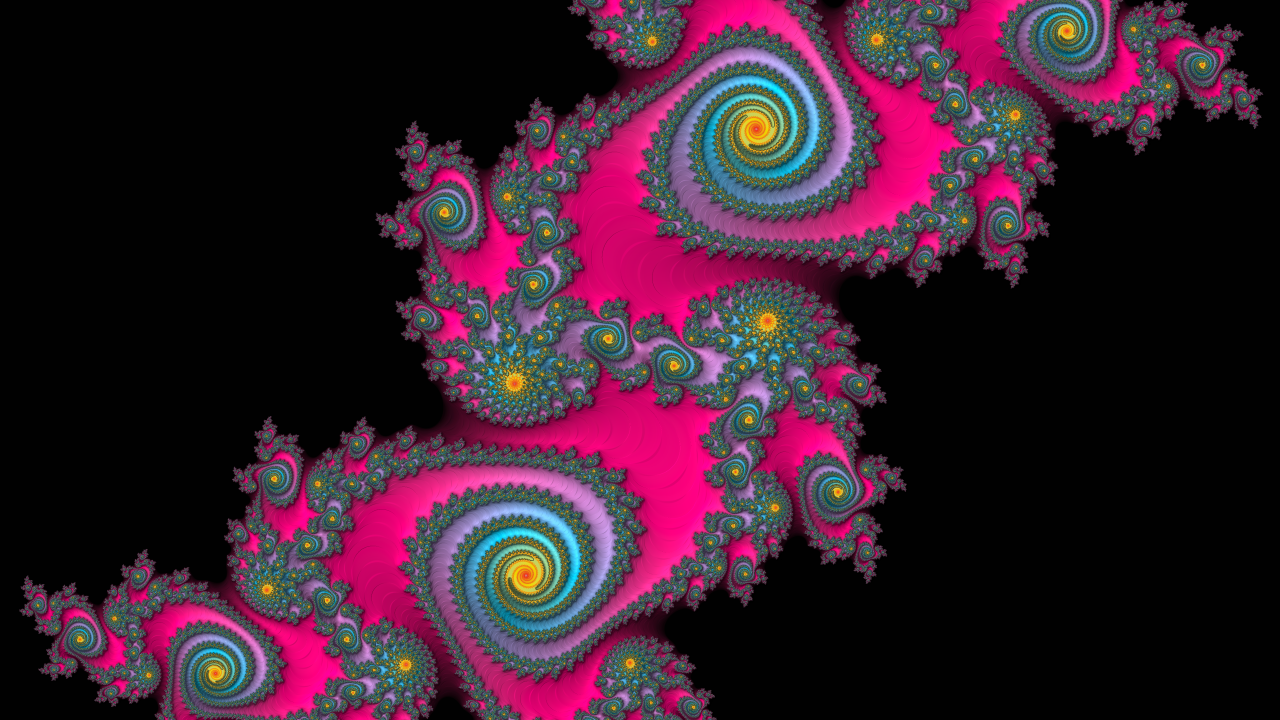
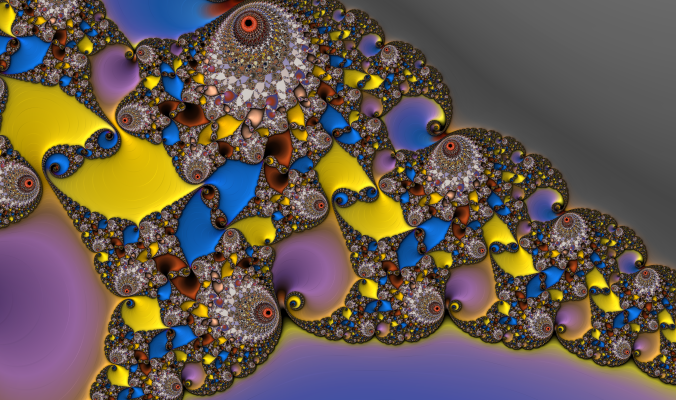
Ever since I first read about fractals in the early 1980s, I’ve been captivated. There was something almost poetic about the idea that such intricate structures could emerge from such simple equations. Mathematics could produce images that felt organic, full of spirals, branches, and detail waiting to be discovered. I was hooked.
Nearly four decades after I wrote my first Mandelbrot renderer, that curiosity is still shaping what I build. The experiment has grown into Mandelbrot Metal, both the name of my fractal app and the independent software studio behind it. Today, my work reaches from fractal art to accessible color systems and the spacecraft moving above us.
The 1987 experiment
In 1987, I wrote my first Mandelbrot renderer in C on an IBM PC with VGA graphics running PC-DOS. It supported zooming, color mapping, adjustable iterations, and direct coordinate entry, so I could return to a precise location rather than start every exploration from scratch.
Rendering a single image could take hours. I would leave the program running overnight, eager to see what had appeared by morning. Each line of pixels revealed a little more of the structure. Waiting was part of the experience, and a promising location could occupy an entire evening.
The image was calculated, pixel by pixel, but watching it appear felt like discovery. A short mathematical rule was producing something I could explore without knowing in advance what I would find.
The same equation on a different canvas
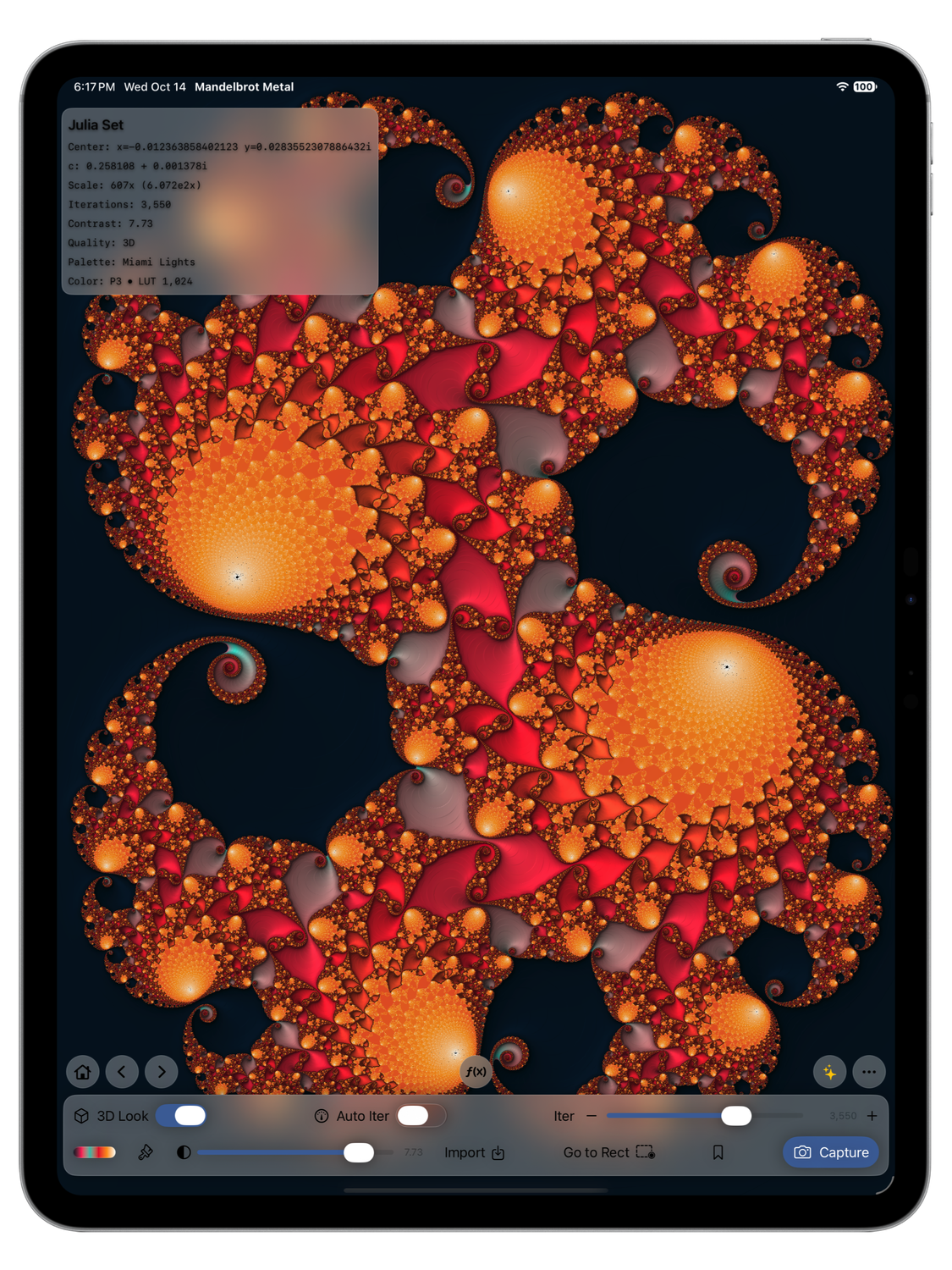
Using complex number mathematics, the familiar Mandelbrot iteration is zₙ₊₁ = zₙ² + c, beginning with z₀ = 0. Change the point c, repeat the calculation, and observe how the sequence behaves. That simple process is still at the heart of the images.
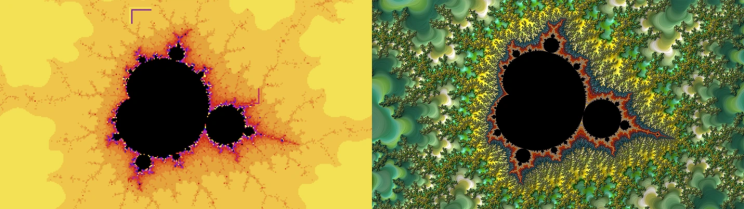
In the side-by-side image example above, the image on the left shows the output from the DOS program for the IBM PC that I wrote in C in 1987 (get the code). It took a couple of hours to render this at 1,200 iterations, 16 colors at 640 x 480 resolution. The image on the right was created in Mandelbrot Metal on an iPad Pro 13-inch (M5) showing the same region. This one rendered in less than one second using 3,290 iterations, 768 colors, and 3D lighting at 2752 × 2064 resolution. Same fractal — four decades of hardware and software evolution.
What has changed is the machinery around it. Instead of waiting for the next scan line on a desktop PC, I can hold an iPhone or iPad, move through the image with my fingers, and make decisions while exploring. Apple’s Metal framework lets the GPU perform the pixel calculations in parallel; SwiftUI provides the interface around the canvas.
My 1987 Mandelbrot program, written in C for DOS, was a compact explorer built around a focused task: calculate and display the Mandelbrot set, let me select a region with keyboard controls, and redraw it at greater magnification. It offered adjustable iteration counts and coloring modes, with a simple text log to preserve the plotting parameters. Its relative simplicity came from that narrow scope: the mathematics, display controls, and exploration workflow fit within a small, direct program designed for the computers of its era.
Mandelbrot Metal has grown into a complete fractal exploration and art application with more than 70,000 lines of code. The underlying equation remains the same, but the engineering surrounding it is vastly more sophisticated: parallel GPU computation, coordinated CPU and GPU workloads, adaptive numerical precision, and perturbation rendering that calculates tiny differences from a shared, highly accurate reference orbit. Maintaining reliable detail at extreme magnifications requires precision management, error detection, recovery paths, and navigation that preserves minute coordinate changes. Around that computational engine sit Mandelbrot and Julia exploration, responsive touch controls, smooth palette rendering, custom and photo-derived palettes, simulated 3D lighting, bookmarks, and high-resolution export. That breadth explains the increased complexity: every interaction must coordinate mathematical accuracy, rendering performance, visual quality, and application state to turn a demanding calculation into a fluid creative experience.
That shorter distance between an idea and its visible result changes the creative experience. I can follow a spiral, explore an associated Julia set, try a different palette, and decide whether to keep going. The mathematics becomes something to work with directly.
Learn more in the Technical White Paper.
Version 3 and the Infinity Engine
Version 3 introduces the Infinity Engine, with dramatically improved Mandelbrot rendering performance and a validated zoom range reaching 10²⁵×. Compared with the earlier 10¹⁶× range, that is a billion-fold increase in magnification.
Going deeper requires more than asking the GPU to work harder. At extreme scales, the difference between neighboring coordinates can become too small for ordinary floating-point arithmetic to preserve. The engine combines Metal-accelerated perturbation, compensated coordinates, adaptive precision, and quad-single recovery to keep the calculations useful as the view narrows.
The name expresses the invitation to explore. The implementation has finite precision: detail and rendering time depend on the location, device, and settings. Some views respond immediately; demanding scenes take longer. For me, respecting those limits is part of making the tool trustworthy.
Turning exploration into artwork
Speed is only part of what I wanted to improve. An exploration should also be easy to revisit, compare, and turn into a finished image.
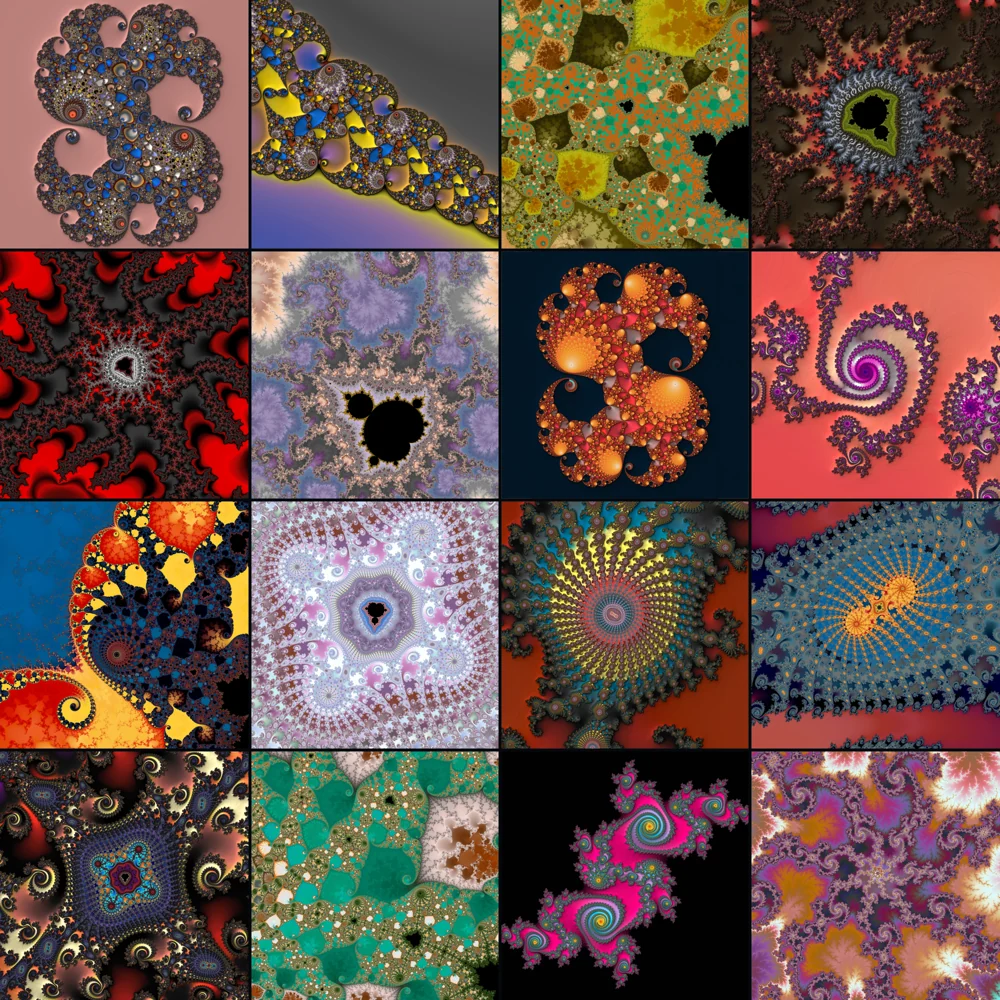
Mandelbrot Metal includes 156 built-in palettes and 56 curated Mandelbrot and Julia starter bookmarks. Exploration History restores complete creative states, allowing users to retrace their decisions. Direct coordinate entry remains part of the experience, connecting today’s app to one of the features I valued in that first program.
Color can transform how a structure reads. A palette may emphasize a fine filament, soften a dense region, or reveal a rhythm that was easy to overlook. Exploring the geometry and choosing its colors become parts of the same process.
The Infinity Engine and all 156 built-in palettes are included in Free, along with canvas PNG capture and five personal bookmark slots. Pro adds unlimited bookmarks, photo-based, custom, and imported palettes, 3D Look, and PNG output up to 8K or at custom sizes. The shaded appearance adds a sense of depth to the fractal image; it is another way to interpret the underlying mathematics.
The studio behind the app
After more than 40 years leading public and private technology companies, I now run a one-person software studio. Mandelbrot Metal is a registered DBA of Michael Stebel Consulting, LLC. I design and build apps for modern Apple hardware, combining engineering with the hands-on satisfaction of making things people can use.
The studio works at the intersection of art, mathematics, science, and high-performance graphics. Those interests have led to three apps with different purposes, but a shared concern: making complex ideas visible and useful.
Mandelbrot Metal is the most direct continuation of my early fractal experiments. The other apps extend that curiosity into color and space.
PaletteWright and the engineering of color
PaletteWright™ for Mac and iPad is an accessibility-first color-system compiler for designers and developers. Where Mandelbrot Metal invites people to explore a mathematical image, PaletteWright helps turn color inspiration into a system that can be implemented and checked.
Its workflow moves through Source, Build, Roles, Validate, and Ship. Users can bring in colors from screens, photos, websites, CSS, tokens, folders, and palettes; refine them with perceptual models; and map roles, aliases, and components across Light, Dark, and Increased Contrast modes.
Validation examines declared relationships across modes and states. It includes WCAG 2.2 contrast checks, versioned APCA guidance, color-vision analysis, local Figma audits, and rendered WebKit checks, with Pass, Fail, or Needs Review outcomes. Those checks help people evaluate particular relationships rather than treating a palette alone as a guarantee of accessibility.
Support for tagged sRGB and Display-P3, known-alpha compositing, and repair candidates that preserve locked colors helps users refine the system. Adaptive exports support Web, Apple, and Android development. It brings the same attention to color found in my fractal work into the practical demands of interface design.
Looking upward with ISS Real-Time Tracker 3D
ISS Real-Time Tracker 3D brings another of my interests to the screen: understanding where objects are in space and when we can see them from Earth. Over 125,000 have been downloaded.
For iPhone, iPad, and Apple Watch, it tracks the three largest and brightest objects in low Earth orbit, the International Space Station, Tiangong space station, and Hubble Space Telescope on an interactive 3D Earth. Users can predict visible flyovers up to 30 days ahead and set pass reminders. The interactive SkyDome shows a flyover’s path, while crew profiles and live HD Earth video connect the orbital view with the human experience of space exploration.
The subject is different from fractals, but the appeal is familiar. A mathematical model becomes a view we can explore, and that view gives us a more immediate connection to something otherwise difficult to picture.
Still curious
When I look at Mandelbrot Metal running on a handheld device, I still think of that IBM PC working through the night in 1987. I recognize the same anticipation: what will appear if I look a little closer?
The studio has grown around that question. A fractal explorer, a color-system tool, and an orbital tracker each give me another way to turn curiosity into software. I care about the precision behind the result, the experience of using it, and being open about how it works.
There is still more to discover. That is what keeps me building.
Explore Mandelbrot Metal, PaletteWright, and ISS Real-Time Tracker 3D.
Also published on LinkedIn.