Version 3 · Available now

Your colors.
Your fractal art.

Explore Mandelbrot and Julia fractals free, with the Infinity Engine, all 156 built-in palettes and canvas-size PNG capture.

Create more with Pro. Make palettes from a photo’s colors, add depth with 3D Look, and capture finished PNG artwork up to 8K.

On the App Store · iPhone & iPad · Optional Pro upgradesRequires iOS 26.0 or iPadOS 26.0 or later. Already own the app?

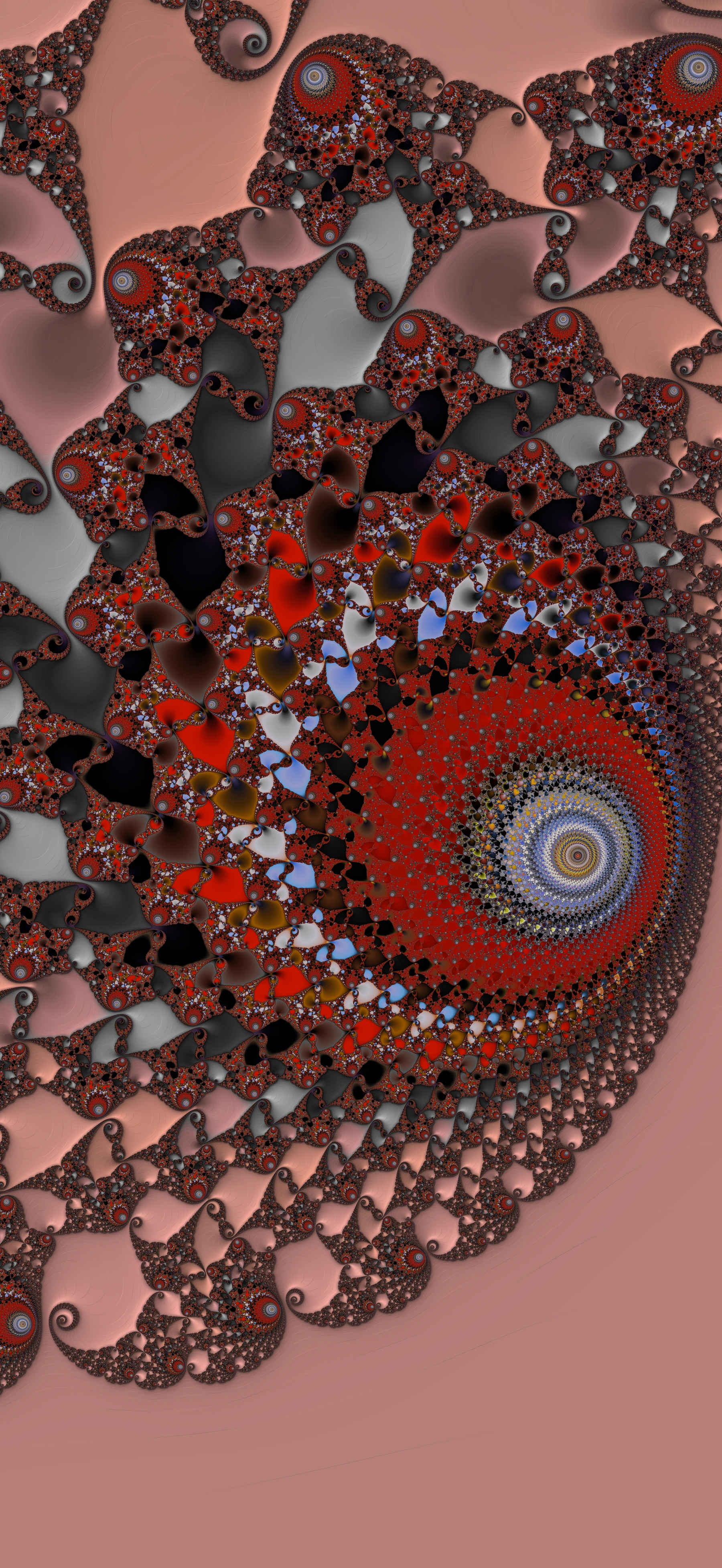
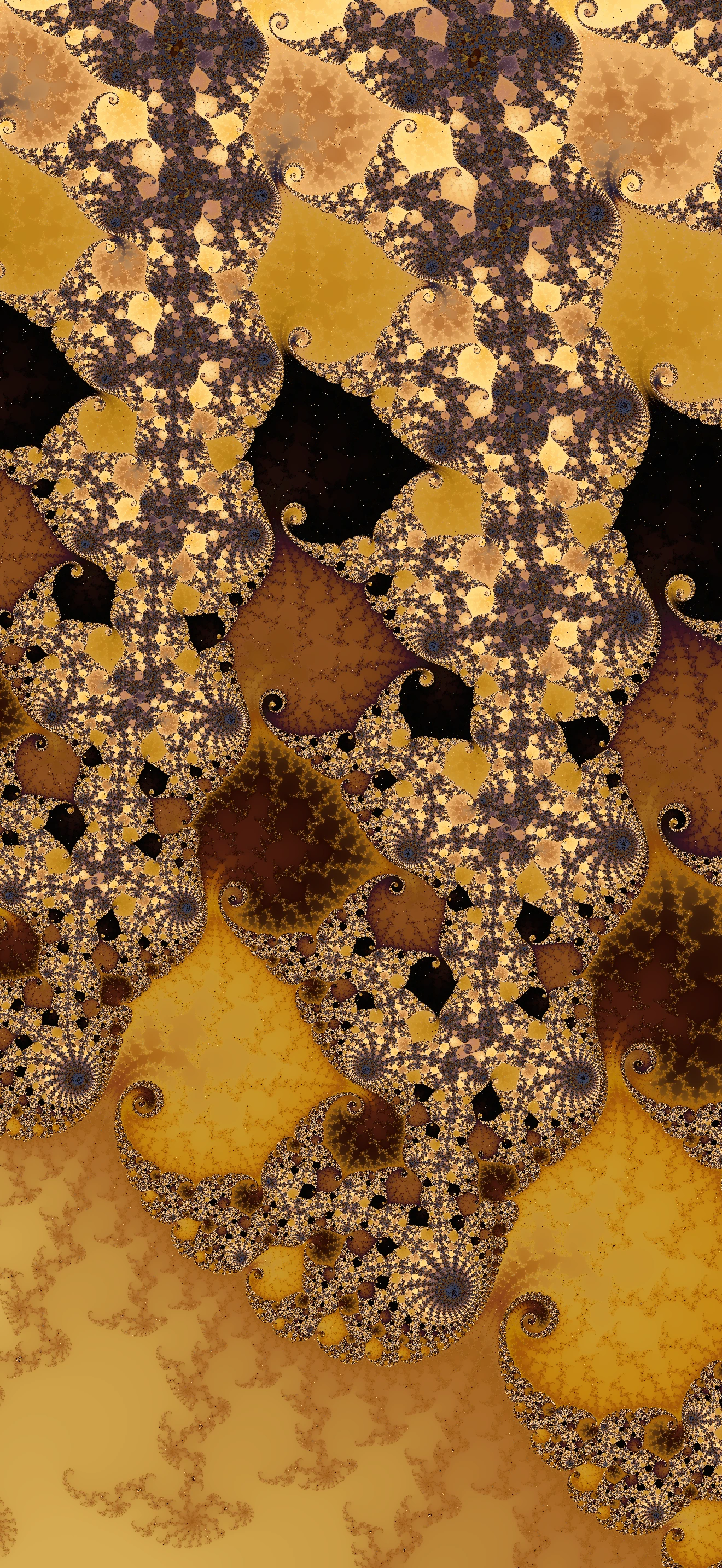
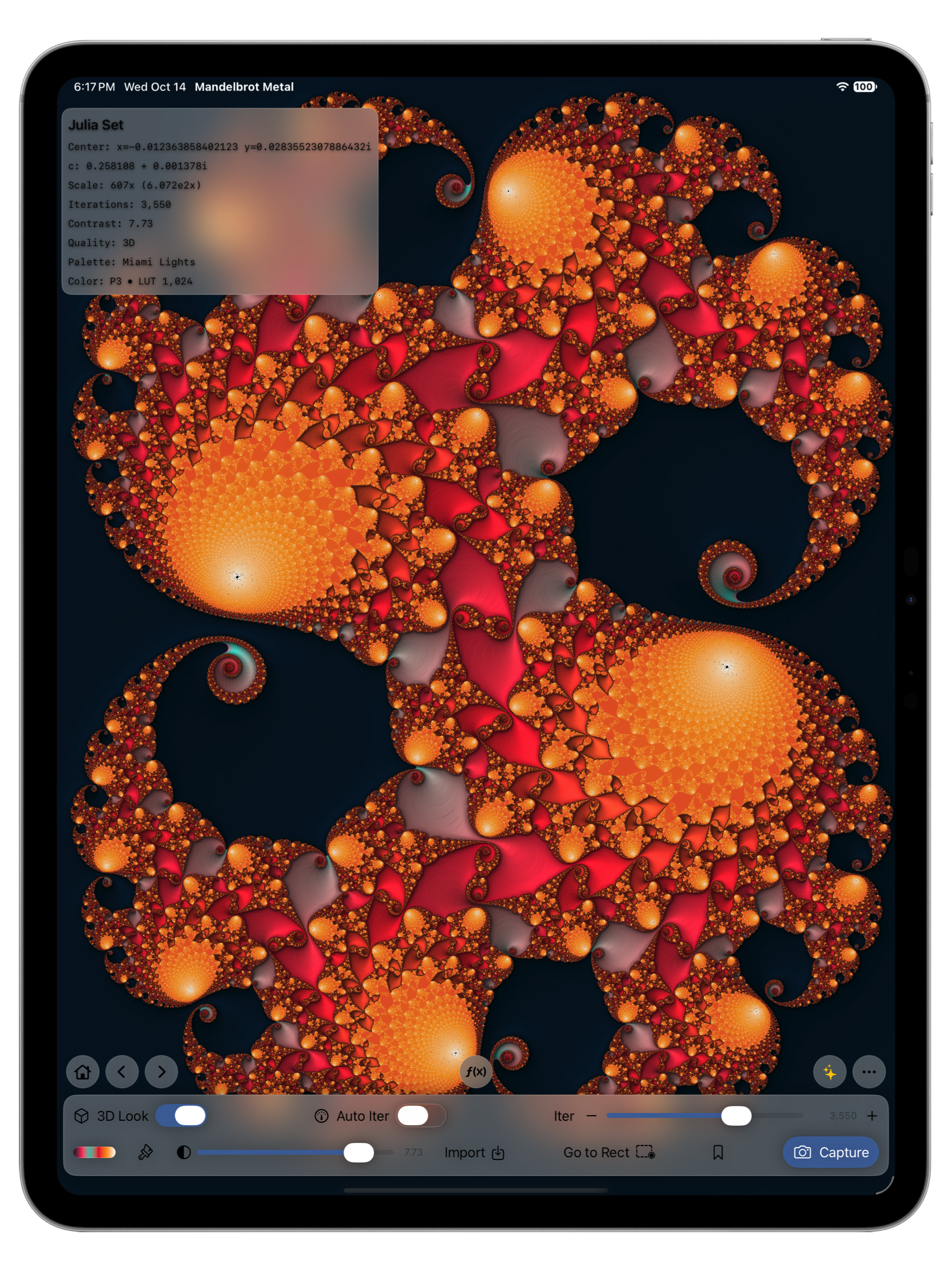
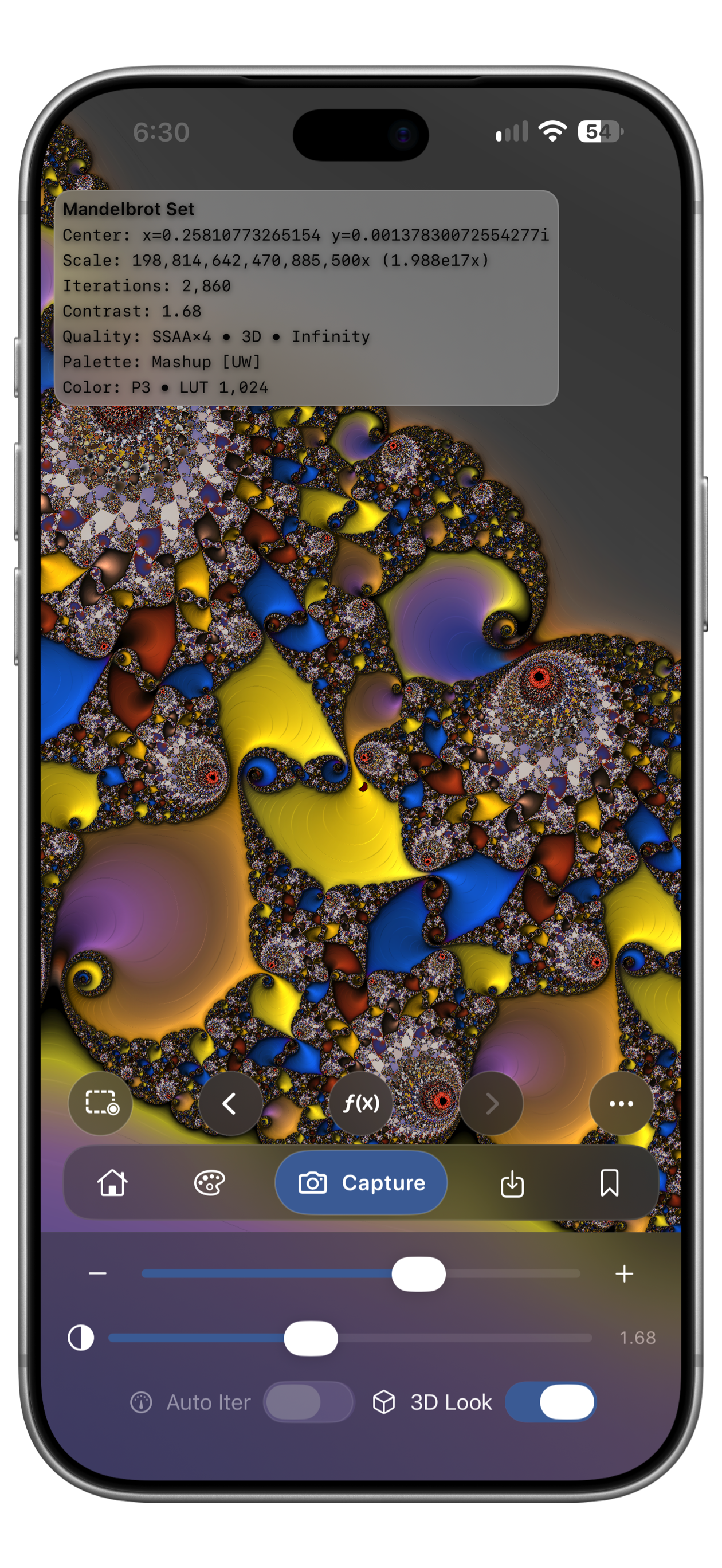
Mandelbrot Metal on iPad showing orange and red Julia spirals with the Miami Lights palette and Pro 3D Look enabled. Mandelbrot Metal on iPhone showing gold, blue, and violet Mandelbrot spirals with the Mashup Ultra-Wide palette and Pro 3D Look enabled.

Actual app screenshots · Shown with Pro’s 3D Look · Tap to view full size

1025×Validated Mandelbrot zoom ceiling
156Built-in palettes, including 55 Ultra-Wide
56Curated Mandelbrot and Julia starter bookmarks
16 languagesUpdated interface and guidance

Create with Pro · 25 seconds

A photo’s colors.
Your own fractal art.

Choose a photo for its colors, make a personal palette, and give your fractal depth with 3D Look. Then capture a finished PNG up to 8K. These creative tools are included with Pro.

  1. Start with your colors.Build a palette from a photo you select.
  2. Bring the details to life.Add lighting and shadow to the same fractal with 3D Look.
  3. Keep the finished artwork.Choose 4K, 6K, 8K or a custom-size PNG.

Free to explore. Choose a Pro plan inside the app when you want these creative tools.

Read the 25-second demo transcript
  1. 0:00 · Photo colors and fractal artwork. The source photo supplies colors; Mandelbrot Metal creates the fractal geometry.
  2. 0:03 · Select a photo. The iPhone photo picker shows Webb’s Pillars of Creation.
  3. 0:05 · Preview the gradient. Pro extracts warm brown, gold and blue colors from the image.
  4. 0:08 · Make it your own. Save and apply the palette to the fractal, initially with 3D Look off.
  5. 0:11 · Add depth. Turn on 3D Look to light and shade the same composition.
  6. 0:15 · Choose 8K. The Capture Image menu shows Pro output sizes, and 8K is selected.
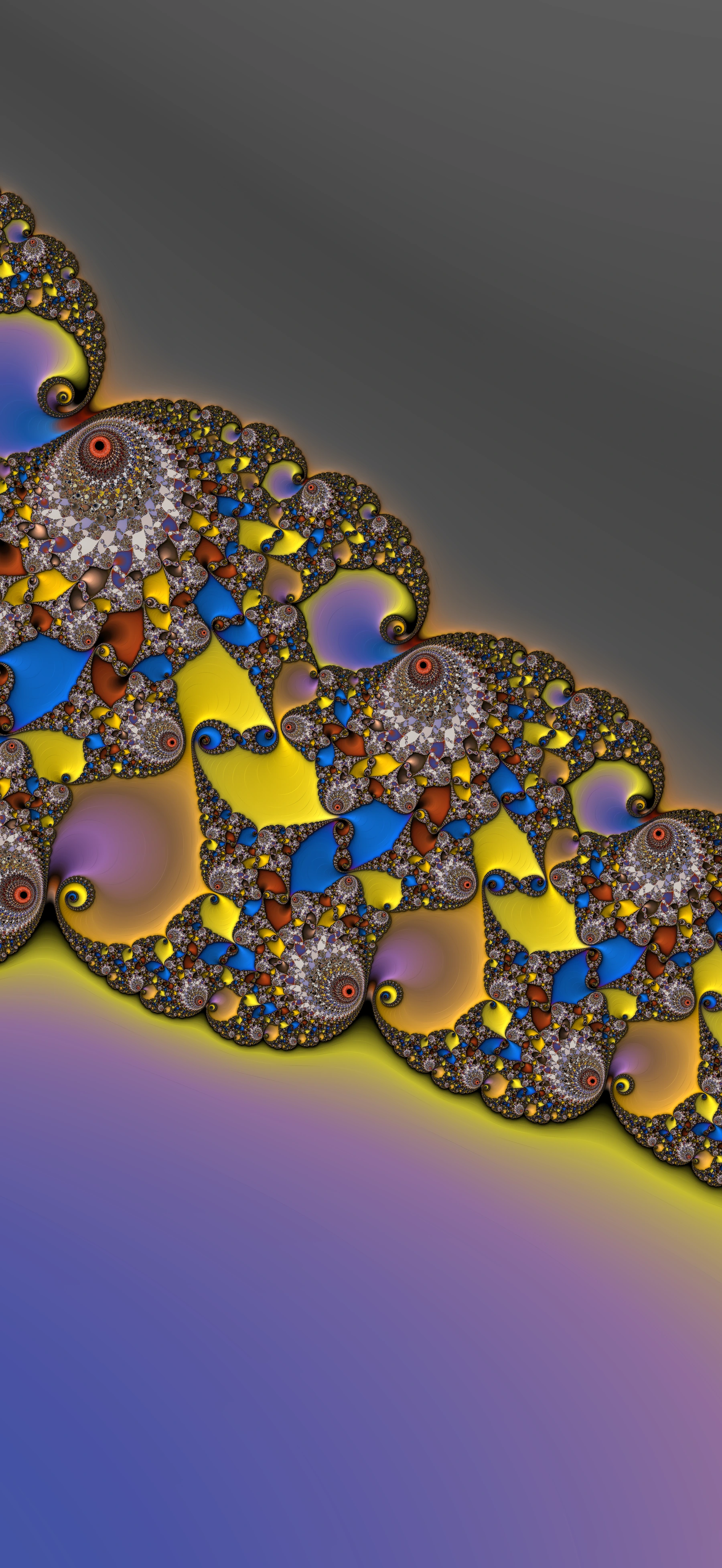
  7. 0:18 · See the actual output. A labelled detail shows the app’s completed 3536 × 7680 PNG.
  8. 0:21 · Explore free. Create more with Pro. Mandelbrot Metal is available for iPhone and iPad.

Silent footage at recorded speed, with pauses removed and a brief hold on the gradient preview. The edit omits the rendering wait and sharing dialog. Photo palettes, 3D Look and high-resolution PNG require Pro. Free and Pro share the same rendering engine, speed and precision.

Source space image: NASA, ESA, CSA, STScI. Image processing: Joseph DePasquale, Anton Koekemoer and Alyssa Pagan (STScI). View the original Webb image.

Download the full transcript

Actual iPhone app footage and captured artwork. Photo palettes, 3D Look and high-resolution PNG require Pro. Space image: NASA, ESA, CSA, STScI.

Built for iPhone Duo

Two displays.
One world to explore.

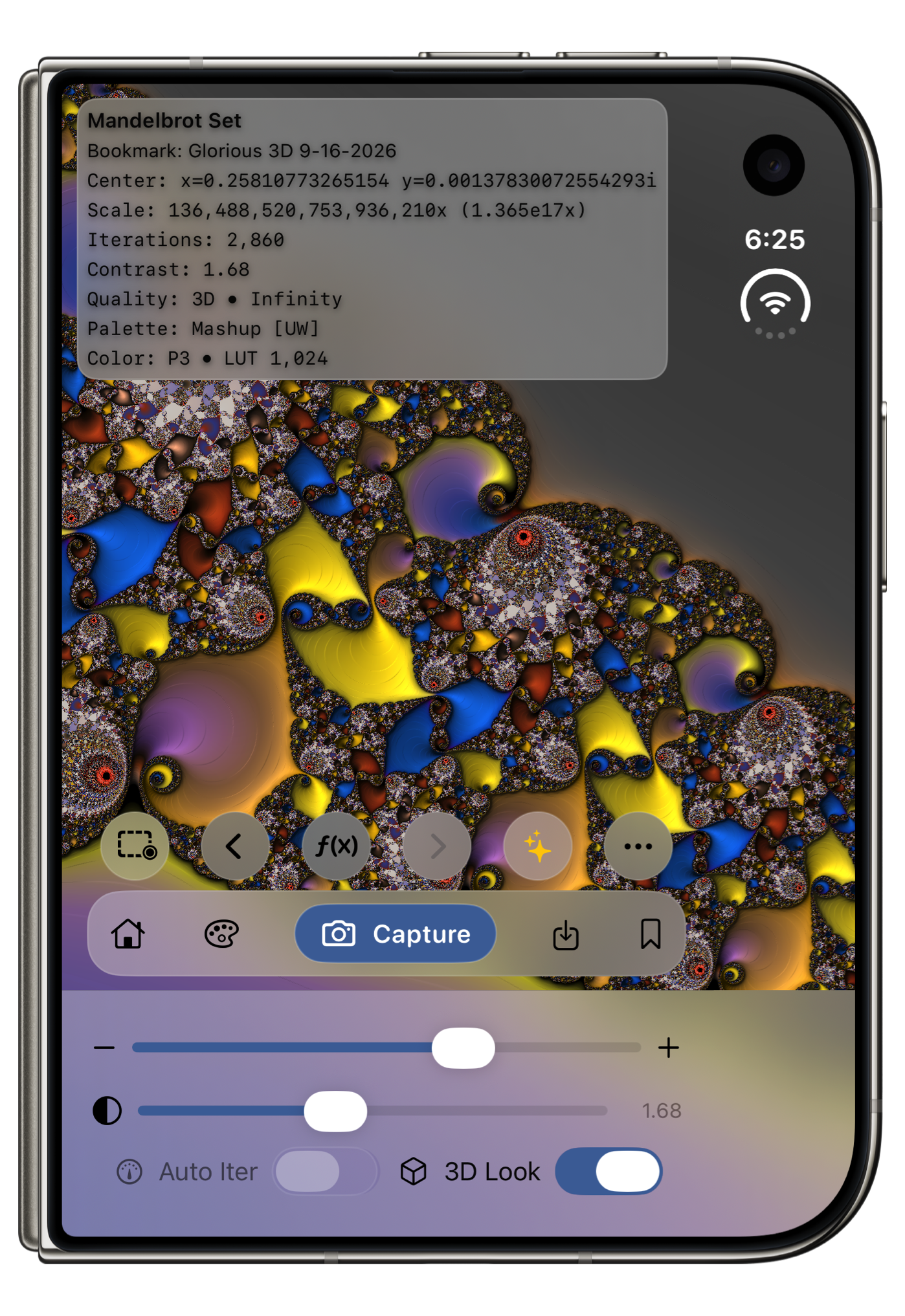
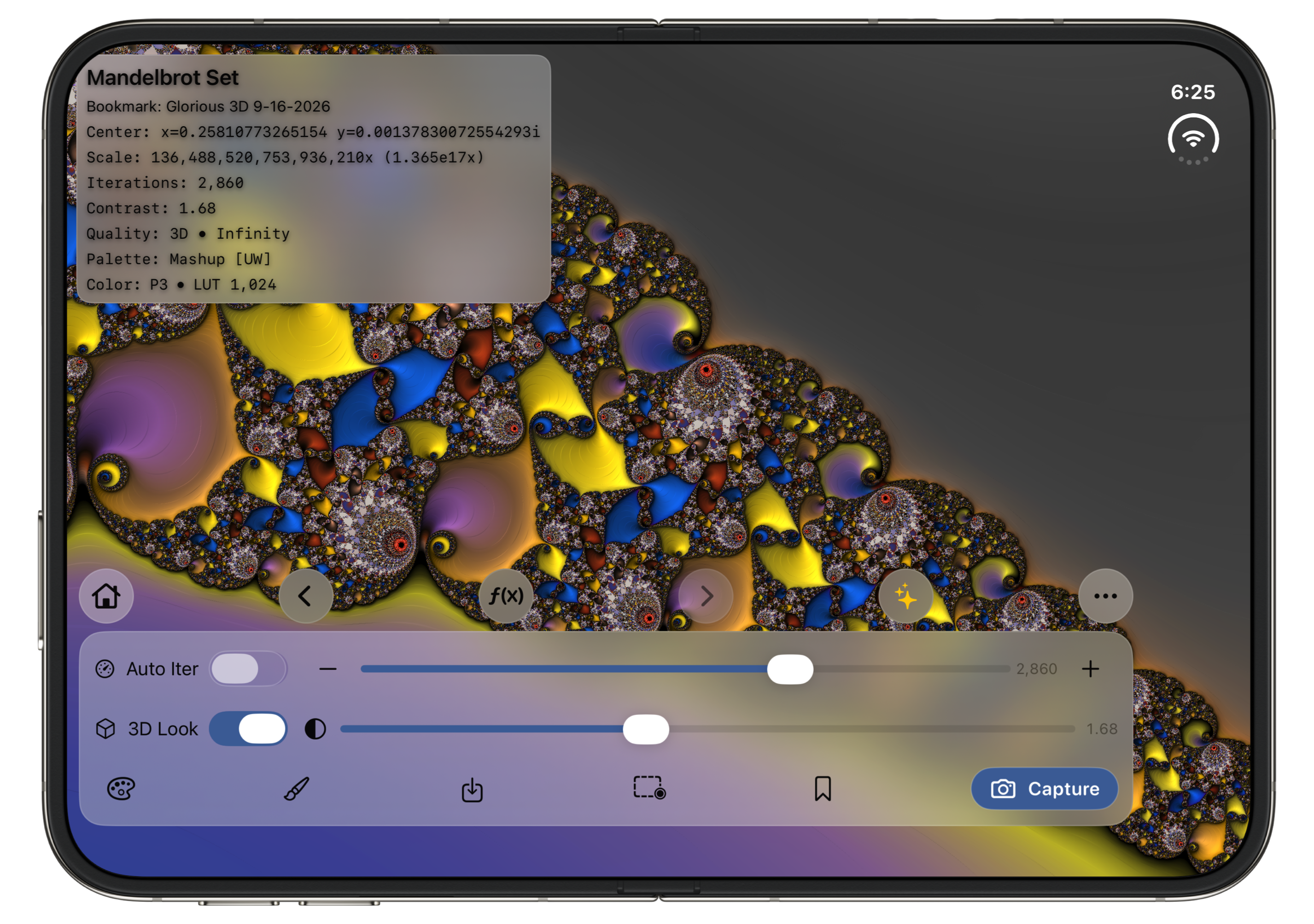
Explore Mandelbrot Metal on iPhone Duo’s outer and inner displays. Compact controls suit the outer display, while a spacious control dock makes the most of the larger inner display. Portrait and landscape layouts adapt to the available space.

Mandelbrot Metal on the iPhone Duo outer display in portrait, showing gold, blue, and violet Mandelbrot spirals with compact controls and Pro 3D Look enabled.

Outer display

Compact exploration controls.

Mandelbrot Metal on the iPhone Duo inner display in landscape, showing the same colorful Mandelbrot scene with a wide control dock and Pro 3D Look enabled.

Inner display

More room for your canvas and controls.

Screenshots show Pro’s 3D Look. Open either image to view full size.

See it in action

A whole world
at your fingertips.

A 42-second look at exploring, changing color, and shaping a scene in Mandelbrot Metal.

  1. 01 / EXPLOREPinch into detail.
  2. 02 / COLORFind your palette.
  3. 03 / KEEPCapture your discovery.

The demo includes Pro’s 3D Look and capture options. The Infinity Engine, built-in palettes, and canvas-size capture are free. Compare Free and Pro.

Actual iPad app footage; final capture panel is a still.
Read the demo transcript

Free + Pro in Version 3

Explore freely.
Create with Pro.

The Infinity Engine and full rendering precision are available to everyone. Pro expands the creative tools and output options.

Mandelbrot Metal Free

Start exploring.

A powerful fractal explorer, ready for your curiosity.

  • Mandelbrot and Julia exploration
  • Infinity Engine and all built-in palettes
  • 56 curated Mandelbrot and Julia starter bookmarks
  • Five personal bookmark slots in addition to the starter collection
  • Complete PNG capture at canvas resolution
Start exploring free

Download free. Choose Pro whenever you want more.

Mandelbrot Metal Pro

Make more of every discovery.

Monthly, Annual, or Lifetime options for new v3 users.

  • Unlimited bookmarks
  • Photo-derived, imported, and custom palettes; palette import and export
  • 3D Look lighting
  • 4K, 6K, 8K, and custom-size PNG capture
Get the app and explore Pro

Pro options are available inside the app.

The same Pro tools. Your choice of plan.

Every plan includes photo and custom palettes, 3D Look, unlimited bookmarks and high-resolution PNG capture.

Monthly

US$2.99per month

Monthly subscription

Annual

US$19.99per year

Annual subscription

Lifetime

US$39.99once

One-time purchase

U.S. reference prices in USD. Your App Store upgrade screen shows the current price in your region before purchase. Monthly and Annual renew automatically until canceled; Lifetime is a one-time purchase.

Choose a plan inside the app: tap the Pro sparkles button or open More (…) → Mandelbrot Metal Pro. In wide layouts, choose Upgrade to Pro. Purchase and restoration FAQ ↗

Verified pre-v3 owners receive permanent Pro access at no additional charge. See owner details.

Why choose Mandelbrot Metal 3?

Serious precision.
Extraordinary freedom.

A great fractal explorer should help you go deeper, stay in control, and create something worth keeping. MM 3 brings those ambitions together in your hands.

01 / DEPTH

A new engine for a deeper world.

The Infinity Engine combines adaptive GPU perturbation with high-precision reference calculations to support Mandelbrot exploration up to 10²⁵×. That is a billion-fold increase over the previous Mandelbrot magnification limit.

02 / PERFORMANCE

Faster rendering.
Smoother exploring.

The new GPU-first Infinity Engine brings faster rendering to deep Mandelbrot exploration. Pan, pinch, and double-tap with immediate visual feedback while detail refines from the center outward. More precise navigation preserves even tiny movements at deep zoom.

03 / CREATION

From exploration to a finished image.

Shape the scene with rich palettes, save your discoveries, and render a complete PNG on your device. Canvas capture is included in Free; Pro adds high-resolution output, custom palettes, and 3D lighting.

04 / DISCOVERY

56 places to begin.

A curated collection of Mandelbrot and Julia scenes gives you an inspiring starting point. Starters are added once, preserve your existing bookmarks, and leave all five Free personal bookmark slots available.

05 / A WARM WELCOME

Start somewhere beautiful.

New installations open at Elephant Valley with a brief welcome. A clear Home action returns to the full Mandelbrot set. Later launches and updates restore your exploration and render settings, right where you left them.

06 / YOUR LANGUAGE

Guidance in 16 languages.

From the first welcome to Help and the creative tools, localized guidance makes exploring more approachable on both iPhone and iPad. The interface, purchase screens, alerts, and permission text are localized too.

Useful depth and render time vary with the location, iteration budget, and device. The 10²⁵× ceiling applies to Mandelbrot exploration. Explore the rendering technology

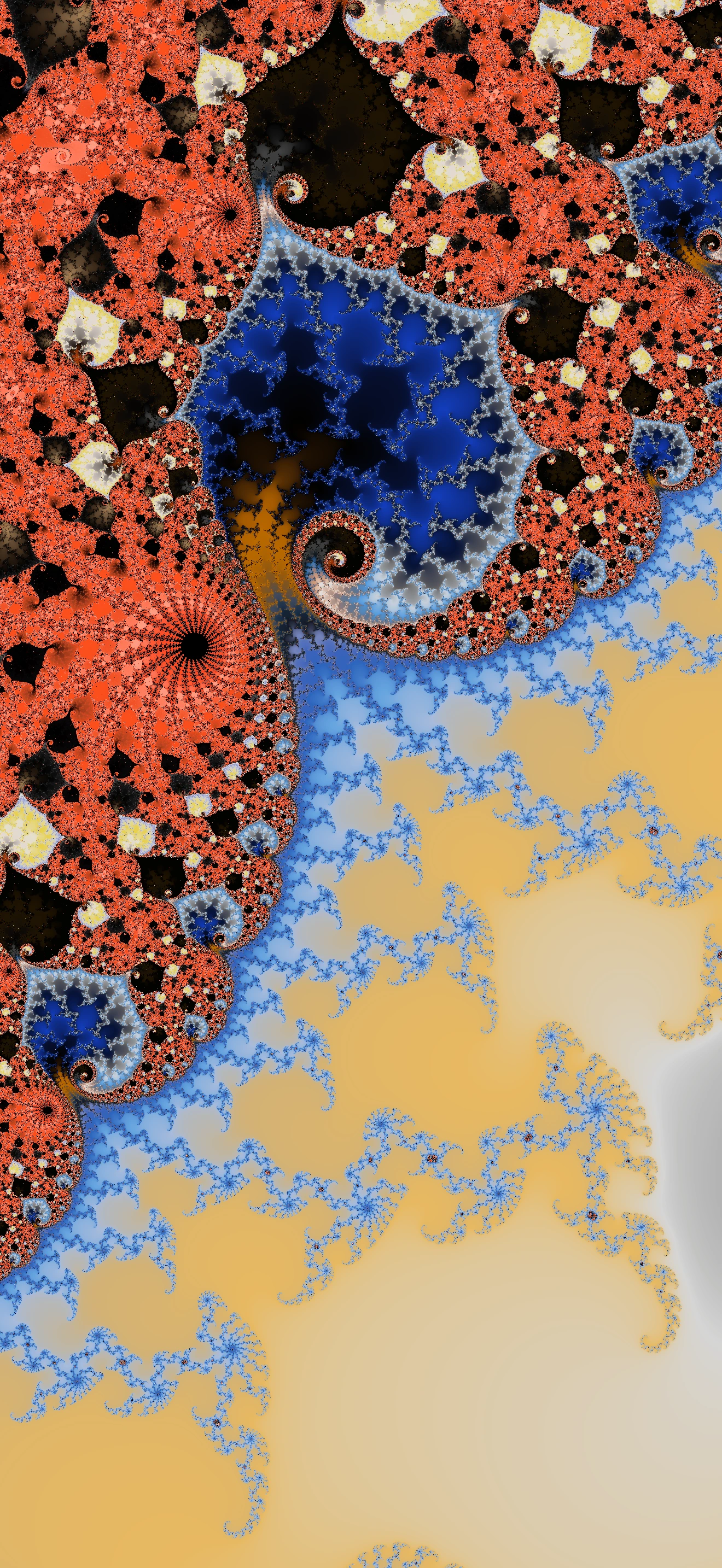
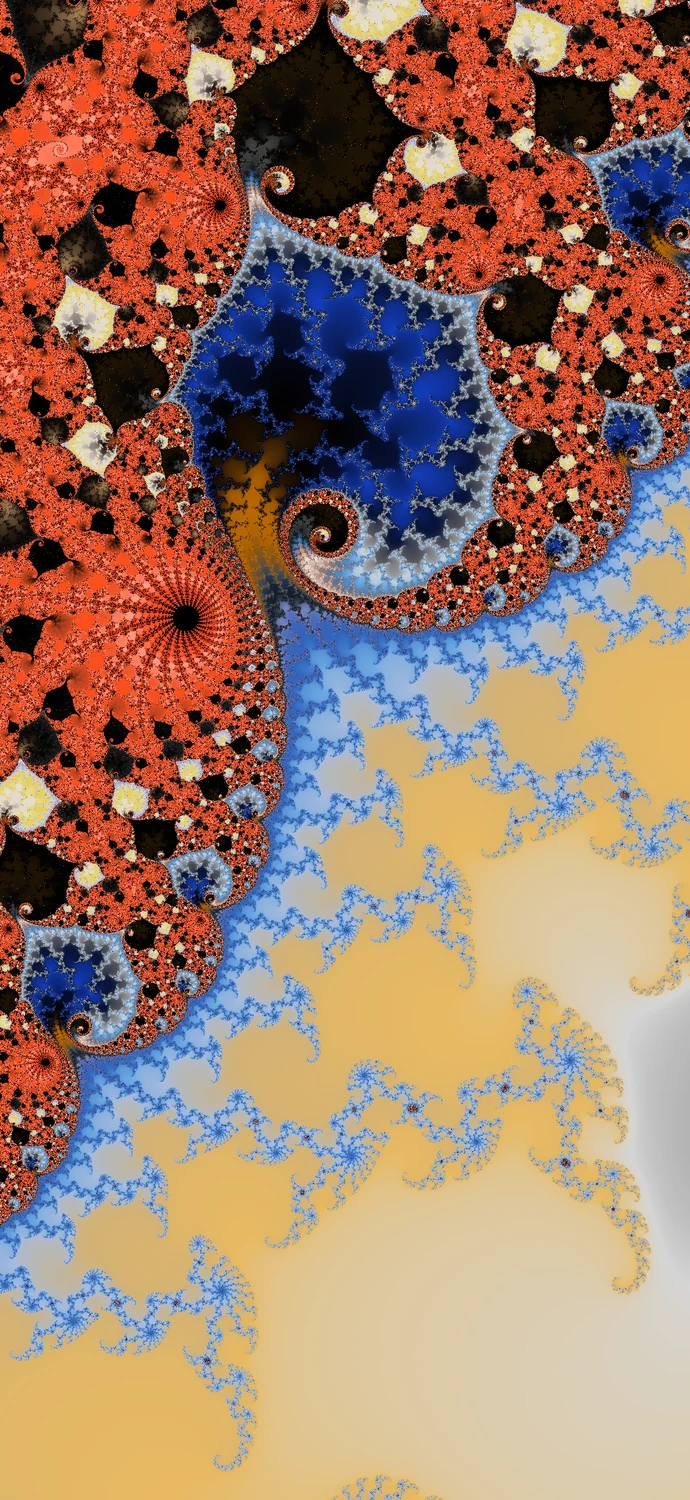
Coral, cobalt, and gold Mandelbrot spirals rendered in Mandelbrot Metal.
Color that changes everything
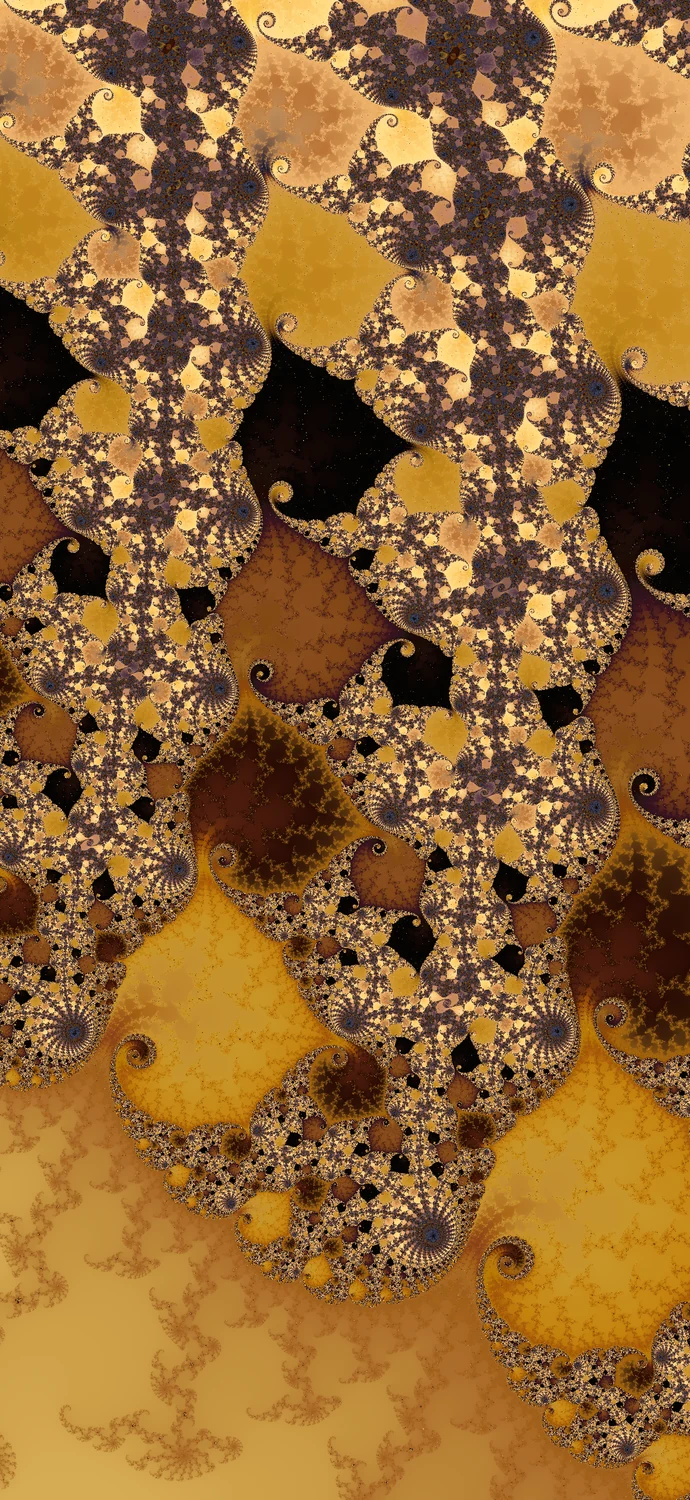
Golden Mandelbrot forms with sculpted lighting and intricate repeating detail.
Depth you can make your own

An explorer. An art studio.

Find the structure.
Make it yours.

Move between Mandelbrot and Julia sets, discover a composition, and give it your own visual voice. MM 3 connects the mathematics to the finished artwork.

  • 156 built-in palettes, including 55 Ultra-Wide palettes, for a different mood in every scene.
  • Photo-derived, imported, and custom palettes, plus 3D Look lighting, for more creative control with Pro.
  • Reliable Canvas Size and PNG capture that waits for the complete image.
  • 4K, 6K, 8K, and custom-size capture with Pro.
Explore the artwork gallery

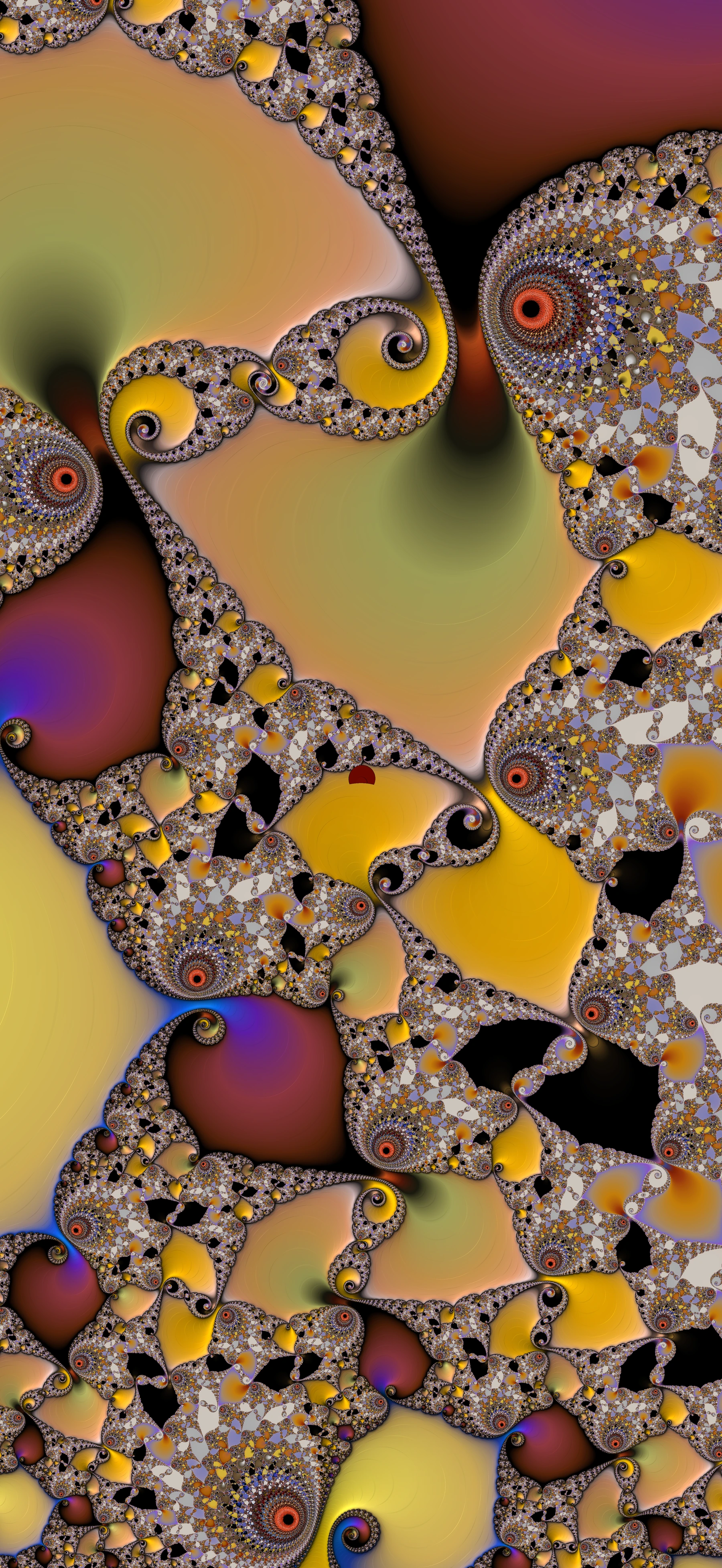
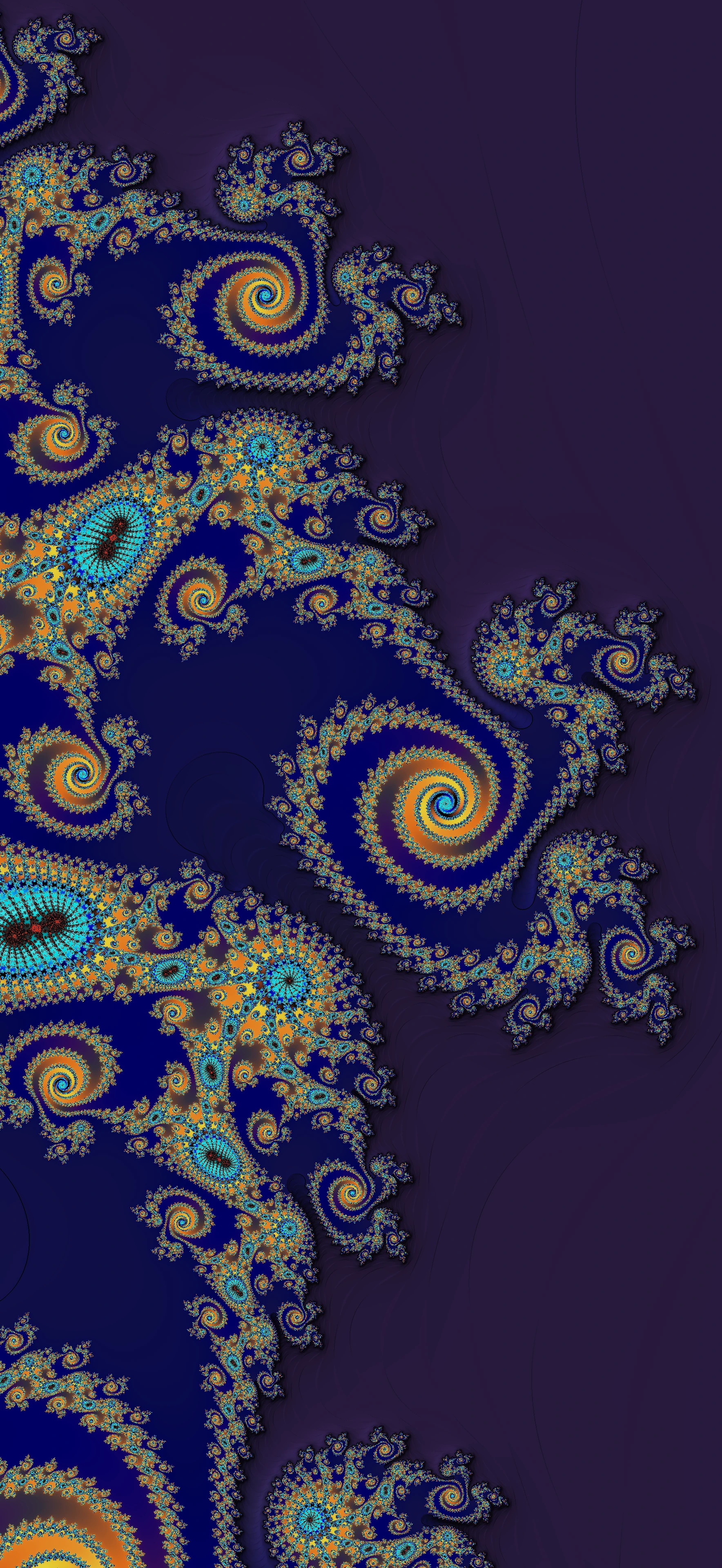
Artwork created with Mandelbrot Metal.

Inside Mandelbrot Metal 3

The detail is real.

Your canvas, your controls, your discoveries. Open a screenshot to explore the interface more closely.

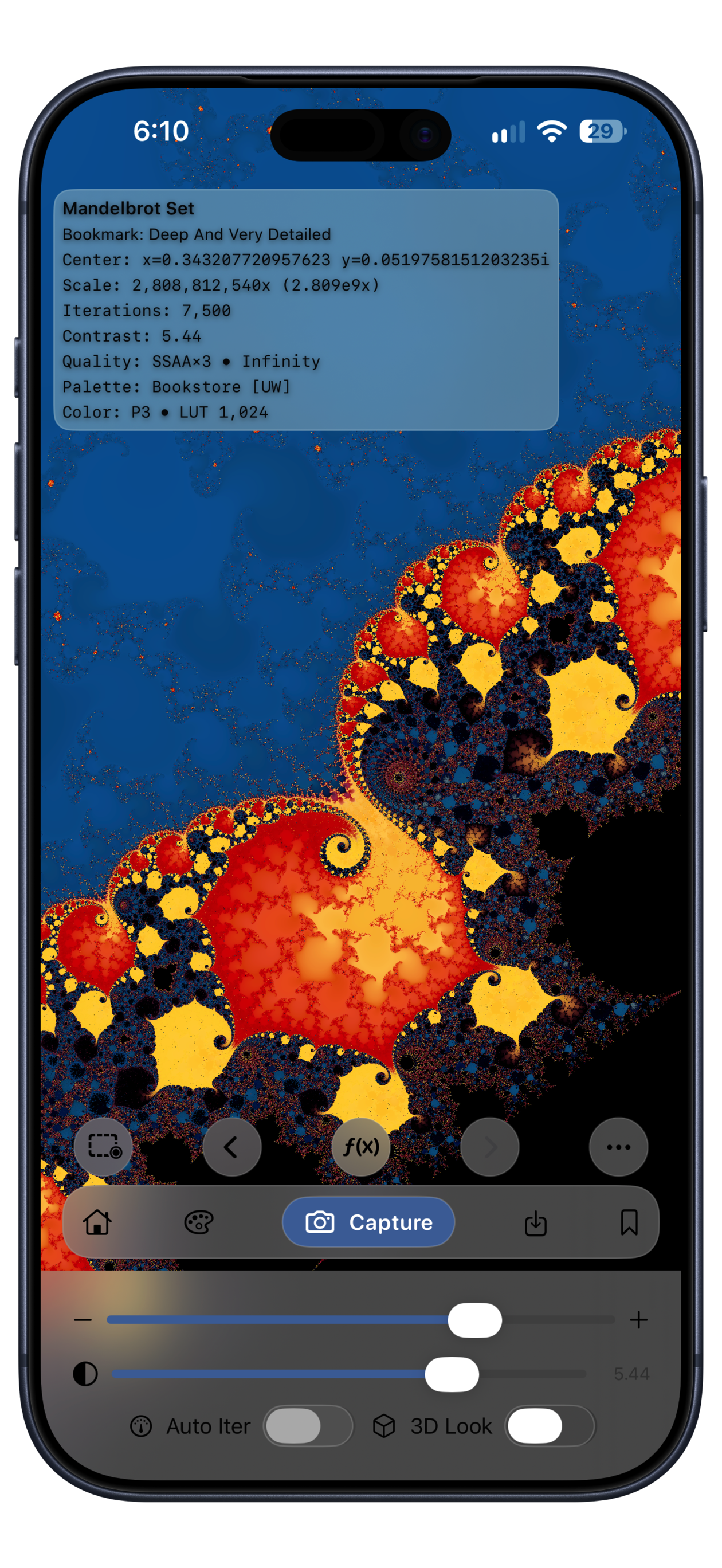
Mandelbrot Metal 3 on iPhone showing the blue and gold Deep And Very Detailed bookmark, the Infinity Engine, and the house-shaped Home button. The complete device bezel is visible.
Explore deeperInfinity Engine in action
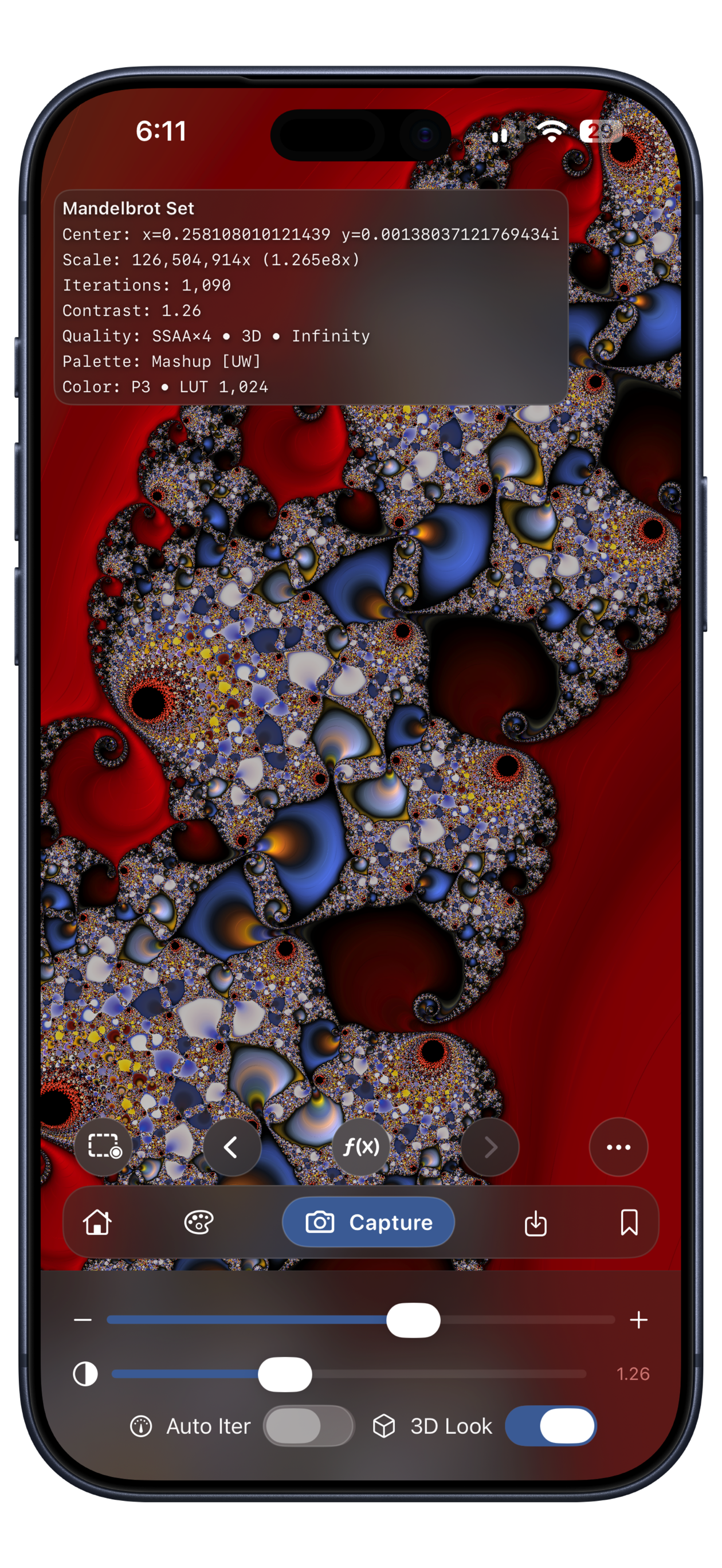
Mandelbrot Metal 3 on iPhone showing sculpted Mandelbrot forms against a red background, with 3D Look enabled and the Home button visible. The complete device bezel is visible.
Shape the light3D Look with Pro
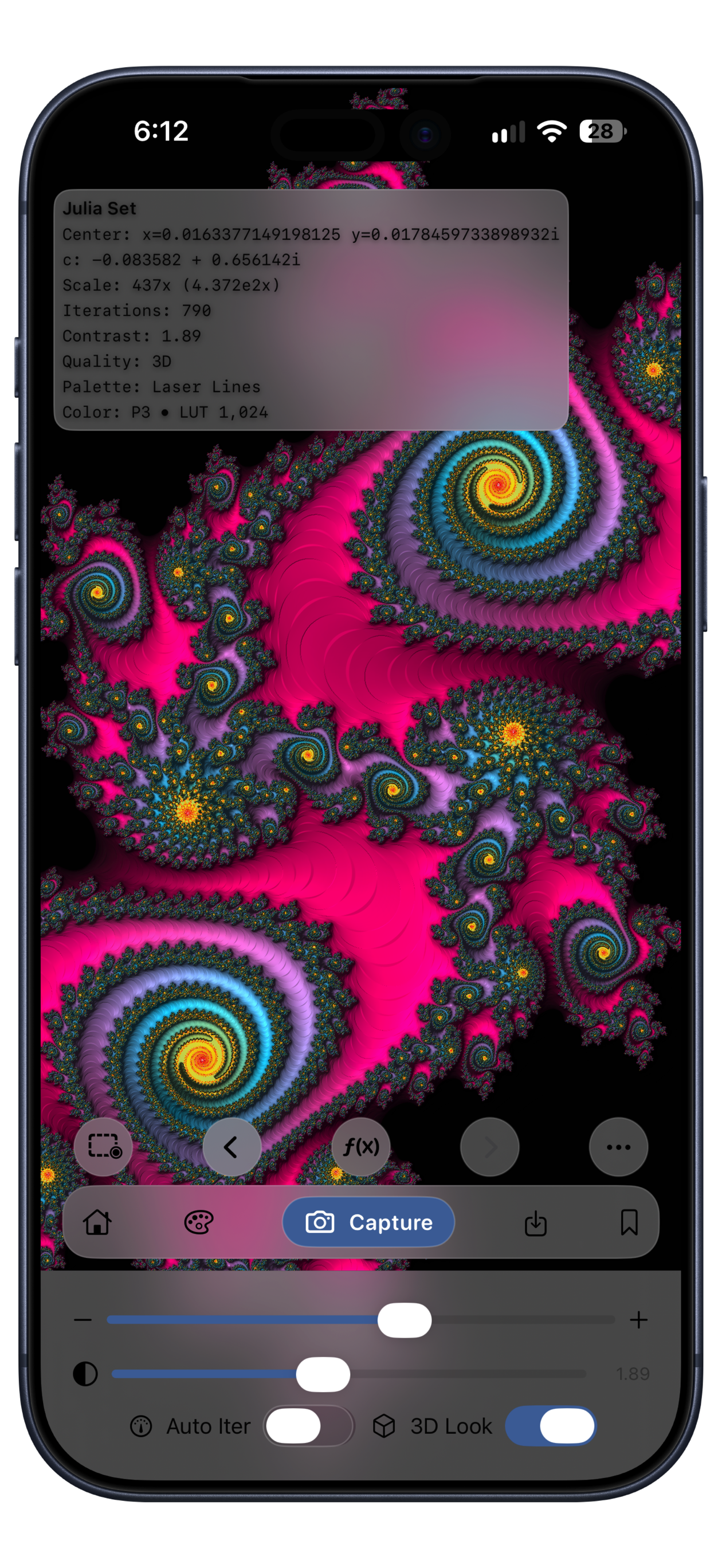
Mandelbrot Metal 3 on iPhone showing magenta, blue, and gold Julia spirals with the Laser Lines palette, 3D Look, and the Home button. The complete device bezel is visible.
Explore Julia setsColor and 3D Look together

Version 3 on iPhone. The house-shaped Home button returns to the full Mandelbrot set.

A thank-you to early explorers

Already an owner?
Keep Pro for life.

If you purchased Mandelbrot Metal before Version 3, your verified ownership unlocks permanent Legacy Pro access at no additional charge.

Your saved bookmarks remain supported. New users can explore free and choose Monthly, Annual, or Lifetime Pro for the expanded creative tools.

Learn about purchases and restoration ↗

Before you dive in

A few good
questions.

What can I do for free?

Explore Mandelbrot and Julia sets with the Infinity Engine and all 156 built-in palettes. Start with 56 curated bookmarks, keep five personal bookmarks, and capture complete PNGs at canvas resolution. Pro adds 3D Look, custom palettes, unlimited bookmarks, and higher-resolution capture. You can choose a Pro option inside the app.

Where can I get Version 3?

Mandelbrot Metal 3 is available on the App Store for iPhone and iPad. Download it to explore free with the Infinity Engine, all 156 built-in palettes, and 56 curated starter bookmarks. Requires iOS 26.0 or iPadOS 26.0 or later.

What if I already own Mandelbrot Metal?

If you purchased Mandelbrot Metal before Version 3, you receive permanent Legacy Pro access at no additional charge once your original App Store ownership is verified. New users can explore free and choose Monthly, Annual, or Lifetime Pro.

Will my saved bookmarks still work?

Yes. Your saved bookmarks remain supported. Version 3 comes with 56 curated Mandelbrot and Julia starter bookmarks, ready to explore from your first launch. The starter collection is added once on new installs and upgrades. Your existing bookmarks are kept, matching bookmarks are not duplicated, and starters you delete stay deleted.

Will the welcome view replace my saved exploration?

No. Only a new installation starts at Elephant Valley with a one-time welcome. Later launches and app updates restore your last location, Mandelbrot or Julia state, palette, contrast, iterations, and 3D Look. Home returns to the classic Mandelbrot overview; Back restores the previous view and settings.

Which languages are supported?

The interface, onboarding, Help, purchase screens, alerts, and permission text support 16 languages: Arabic, Brazilian Portuguese, Dutch, English, French, German, Hebrew, Italian, Japanese, Korean, Polish, Russian, Simplified Chinese, Spanish, Swedish, and Ukrainian.

Which devices can I use?

Mandelbrot Metal is designed for iPhone and iPad, including iPhone Duo’s outer and inner displays. iPhone Duo supports portrait and landscape, with controls that adapt to the available space. Version 3 requires iOS 26.0 or iPadOS 26.0 or later. Rendering performance varies with the device and the scene you explore.
Available now · iPhone + iPad

Your next discovery
is waiting.

Start exploring free with the Infinity Engine. Choose Pro for more creative control and high-resolution artwork.

Free to explore. Optional Pro upgrades. See Free and Pro.